Get started
11
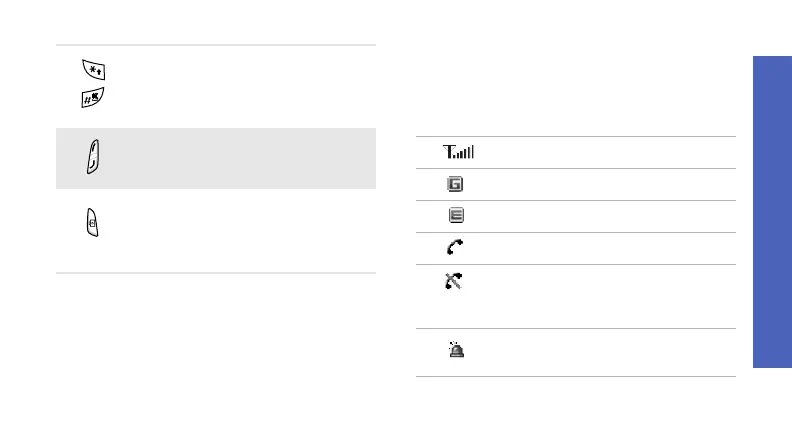
Icons
The following icons may appear on the top line
of the screen to indicate your phone’s status.
Depending on your country or service provider,
the icons shown on the display may vary.
Enter special characters or
perform special functions.
Adjust the phone volume.
In Idle mode, press and hold to
turn on the camera.
In Camera mode, take a photo or
record a video.
Signal strength
GPRS (2.5G) network
EDGE network
Call in progress
Out of your service area or Offline
mode; you cannot make or
receive calls
SOS message feature active
p. 70



 To Next Page