Menu functions
My files
(Menu 6)
89
•
Lock
/
Unlock
: lock the file to protect it from
being deleted, or unlock the file.
•
Details
: access the file properties.
•
Activate key
: get a new licence key when
the key for the selected DRM file expires.
•
Reactivate key
: get another key even when
the key for the selected DRM file has not
expired.
•
Key management
: manage the licence
keys you have acquired.
Other files
(Menu 6.5)
Use this menu to access any other files than
image, video, music, and sound files. Your
phone provides you with Picsel File Viewer to
allow you to view various document files.
Available file formats are doc, xls, ppt, pdf, and
txt.
Viewing a document
Select a file. Picsel File Viewer runs and open
the document.
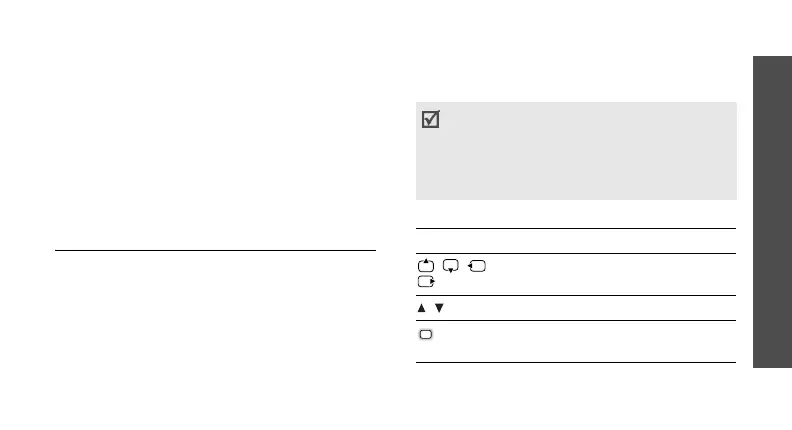
Use the following keys to view the document:
• Depending on the file size or memory capacity
of Picsel File Viewer, some files may not open
properly.
• If a document file contains languages
unsupported by Picsel File Viewer, the content
of the document will not display correctly.
Key Function
/ / / Scroll to each direction on the
current page.
/ Zooms in or out.
Fits the document to the page
size.



 To Next Page