Menu functions
96
•
Alarm tone
: select an alarm tone.
4. Press <
Save
> to save the task.
Consulting the calendar
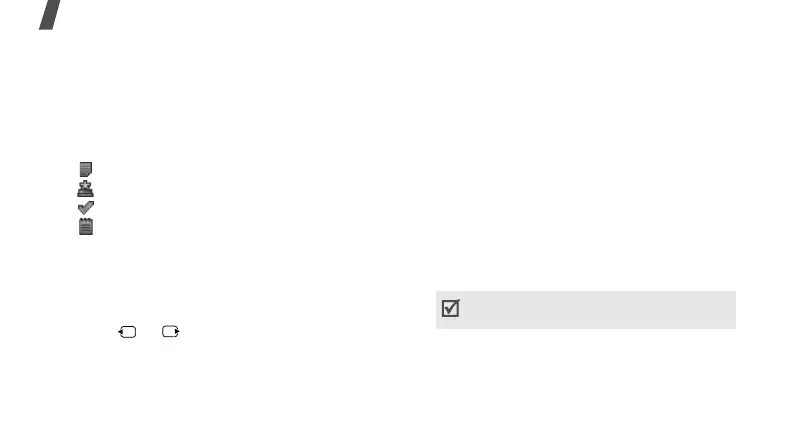
Once you have created items, the item icons
and the number of items for a specific day
appears at the bottom of the calendar.
• Appointment
• Anniversary
• Task
• Miscellaneous item
Viewing an item
1. Select a date on the calendar to display the
items for that day.
2. Select an item to view its details.
3. Press or to access the other items
scheduled for the selected day.
While viewing an item, press <
Options
> to
access the following options:
•
Edit
: edit the item.
•
Create
: add a new item.
•
Send via
: send the item via SMS, MMS,
e-mail, or Bluetooth.
•
View by
: change the view mode of the
calendar.
•
Done
/
Not done
: change the status of the
task item.
•
Delete
: delete the item.
•
Print via Bluetooth
: print the item details
by connecting the phone to a printer via
Bluetooth.
Some printers may not be compatible with
the phone.



 To Next Page