take digital photos with your phone
You can take digital photos with your phone and save them to
send as photo messages later on.
1 Press . Take photos is highlighted. Press select.
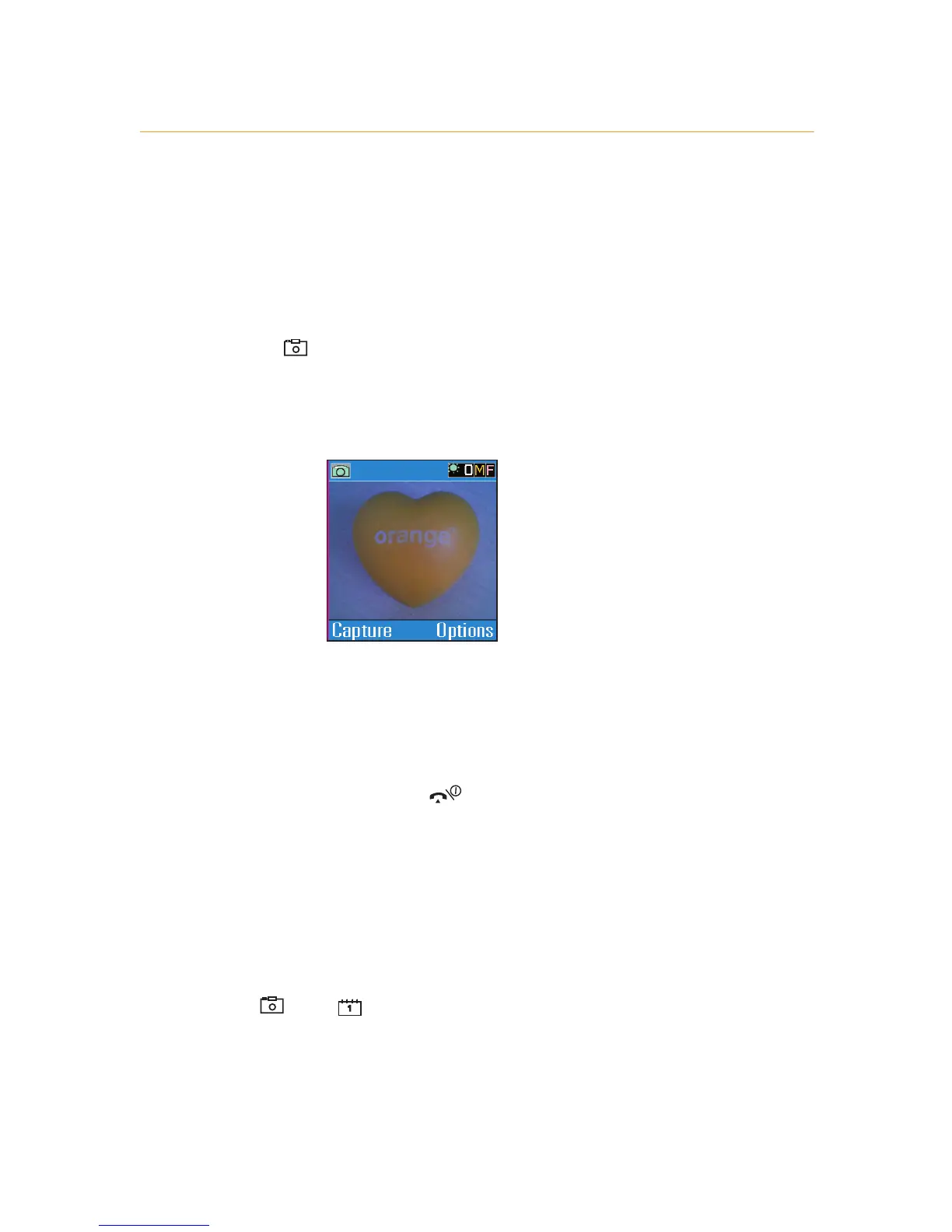
2 Position your phone so that the viewfinder, which is the
main display of your phone, shows the subject you wish to
photograph.
3 Press Capture to take a photo.
4 Press
C to save the photo and return to the viewfinder, or
Delete to delete the photo and reopen the viewfinder, or
Options to see the options menu for this photo.
5 When you return to the viewfinder, repeat steps 2-4 to take
more photos. Or press to return to the main display.
zoom in on your subject
You can zoom in on the subject of your photo to capture
every detail:
Press and to zoom in or out, or you can use the
volume buttons on the side of your phone.
1 - get to know your phone
1.3



 To Next Page