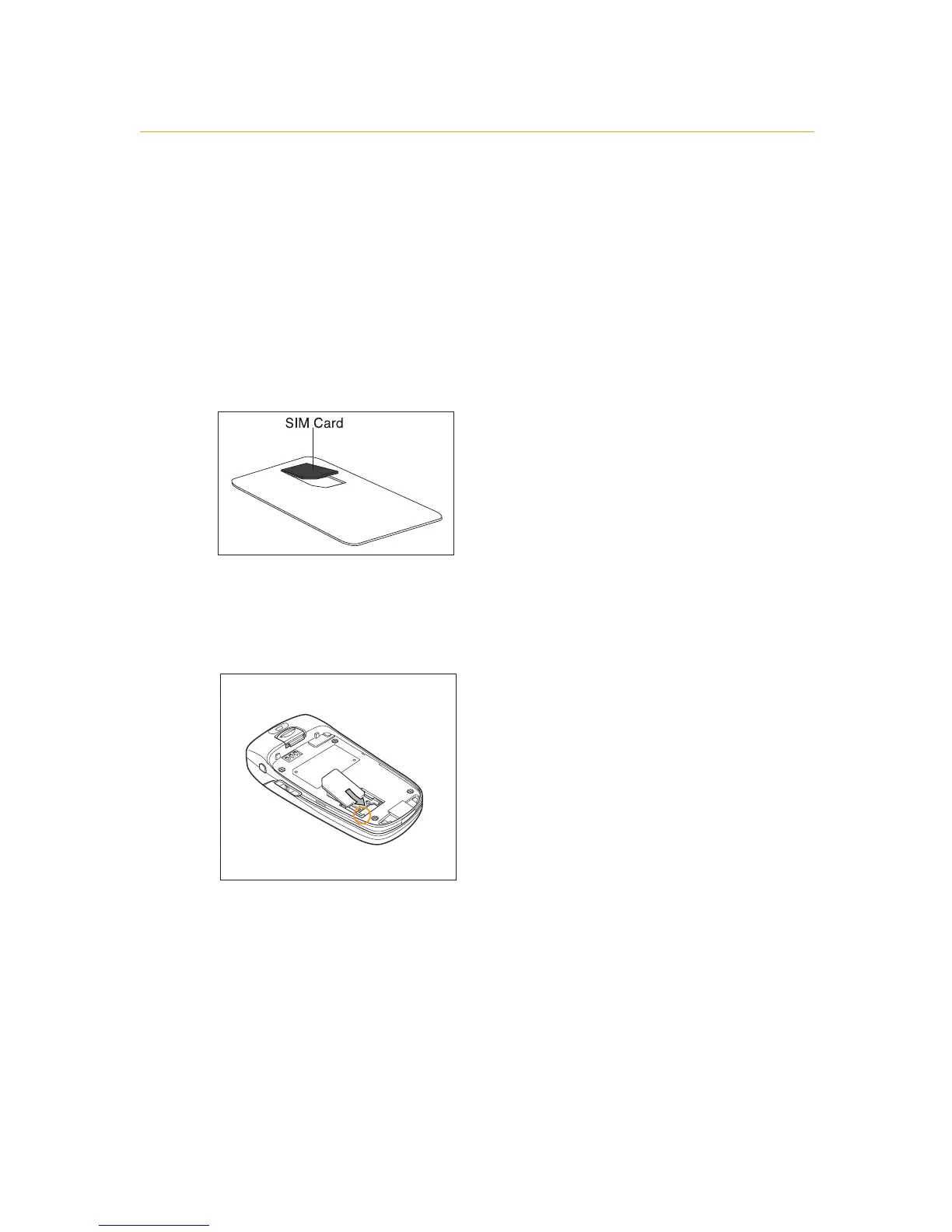
1 Look for the plastic card that is in your Orange box. If you
can’t find it, the SIM Card may have already been inserted
into your phone. If it is not in your phone or your box,
please return to the shop that you bought it from and ask
for a SIM Card.
2 Remove the SIM Card from its plastic surround by carefully
pushing it out. Its contacts are easily damaged so take
care when doing this and try to avoid touching them.
3 Push the SIM Card into the clasps by sliding it in from the
top. Insert the SIM Card so that the golden contacts are
facing downwards and the cut off corner is at the top left.
Note: If you’ve upgraded your phone you must insert your
new SIM Card to use Multi Media Messaging. Your Orange
phone number will not change.
insert your SIM Card



 To Next Page