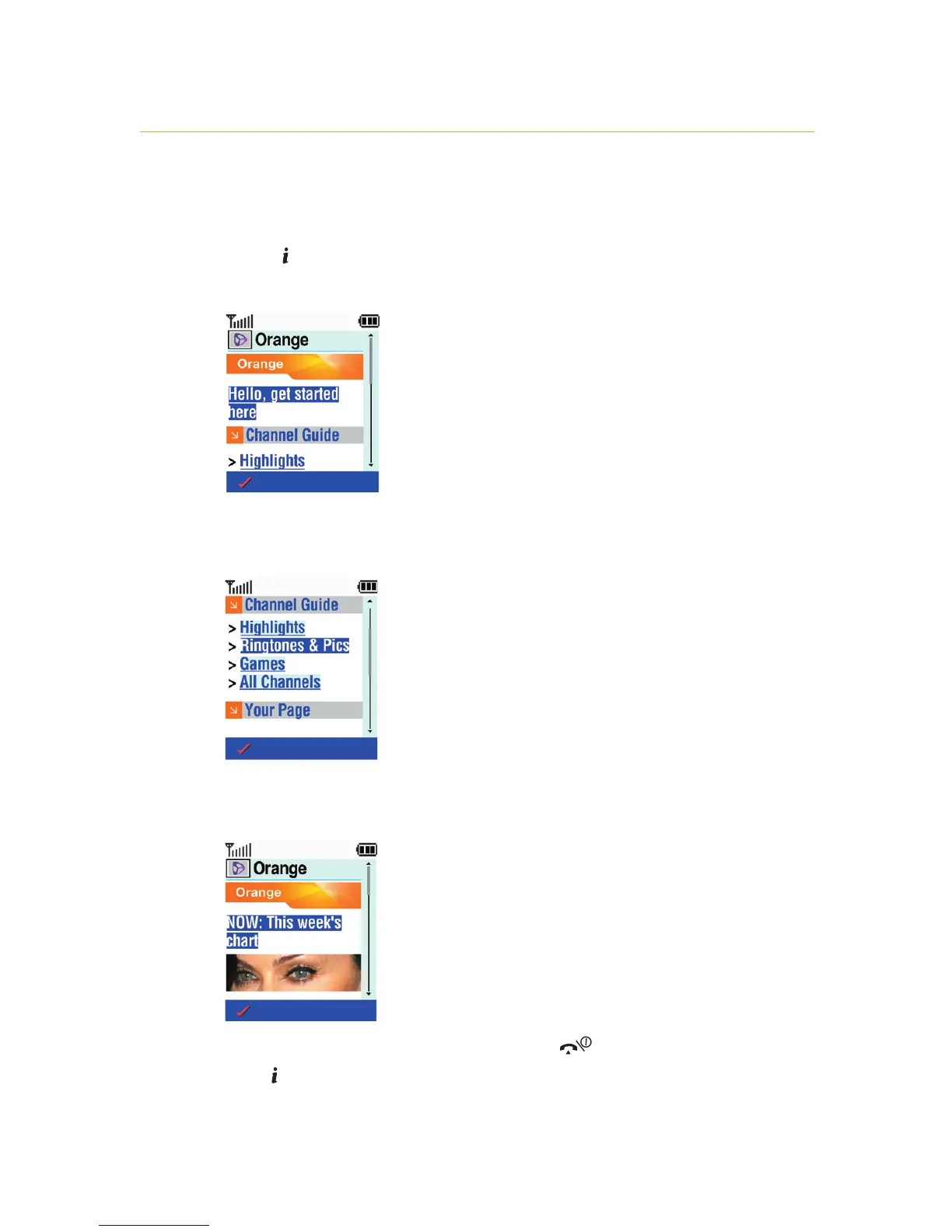
To start using WAP:
1 Press .
2 The Orange homepage will open up automatically.
3 Scroll down the page, and press Options then Select
when you come to a link you want to visit.
4 If you clicked on the Ringtones & Pics link a screen similar
to the following will appear.
5 To end your WAP session either press , or press and
hold .
6 - Orange Multi Media services
6.3



 To Next Page