keep track of
figures using your
calculator
To use the Calculator:
1 Press Menu. Scroll to
Organiser and select
Calculator.
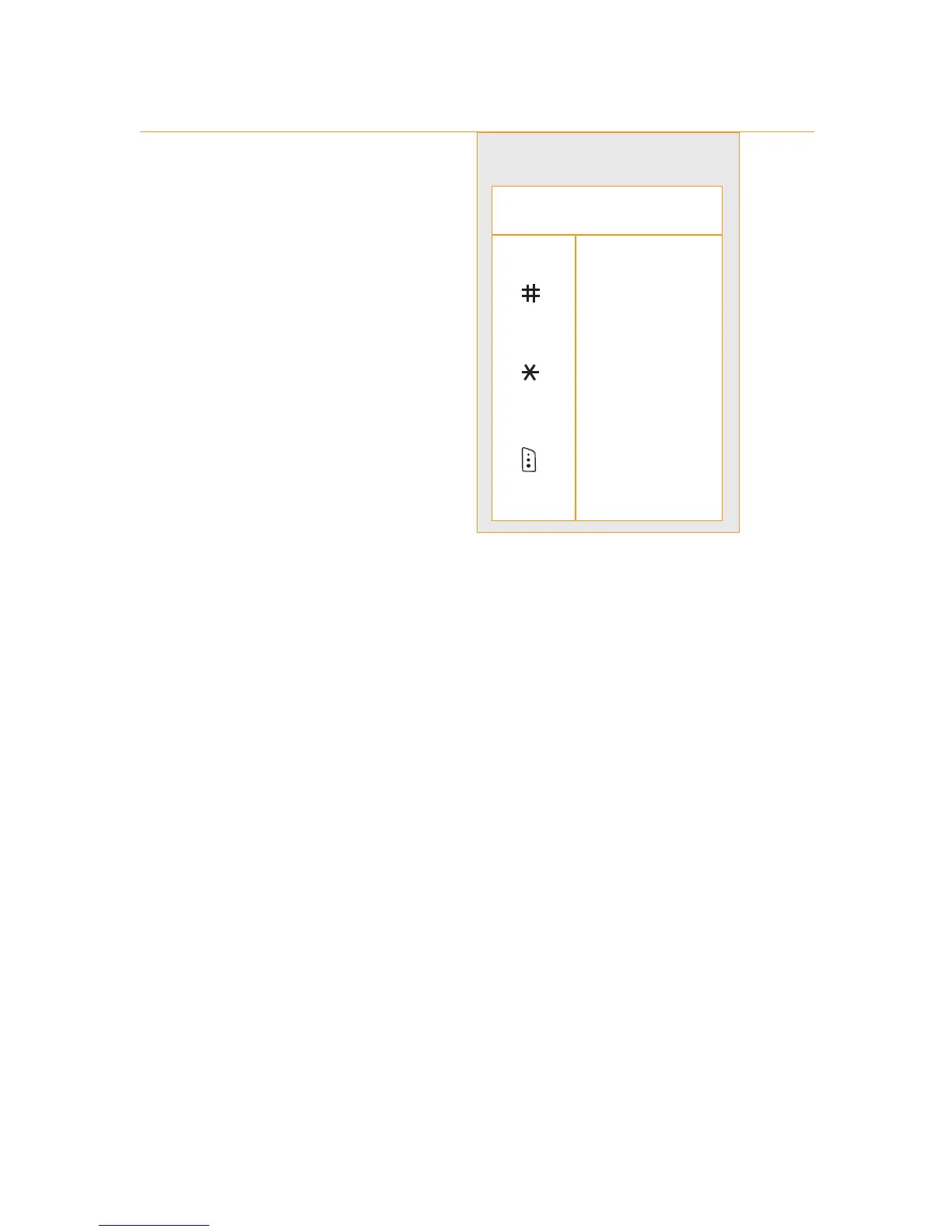
2 Solve equations using
the table on the right.
You can also make
Currency conversions.
1 Press Menu and open Organiser.
2 Scroll to Conversion and press Select.
3 Key in the currency exchange rate of your source currency
and press OK.
4 Enter the amount you wish to convert and press OK.
9 - manage your time and calls
9.3
How do I use my Calculator?
press key(s) to...
1 to 0 enter a number
enter + - x /
C delete a figure
enter a decimal
point
or ( )
calculate a
result



 To Next Page