SAMSUNG Proprietary-Contents may change without notice
2. SGH-E770 Flow Chart of Troubleshooting
2-1
This Document can not be used without Samsung's authorization
2-1.Baseband
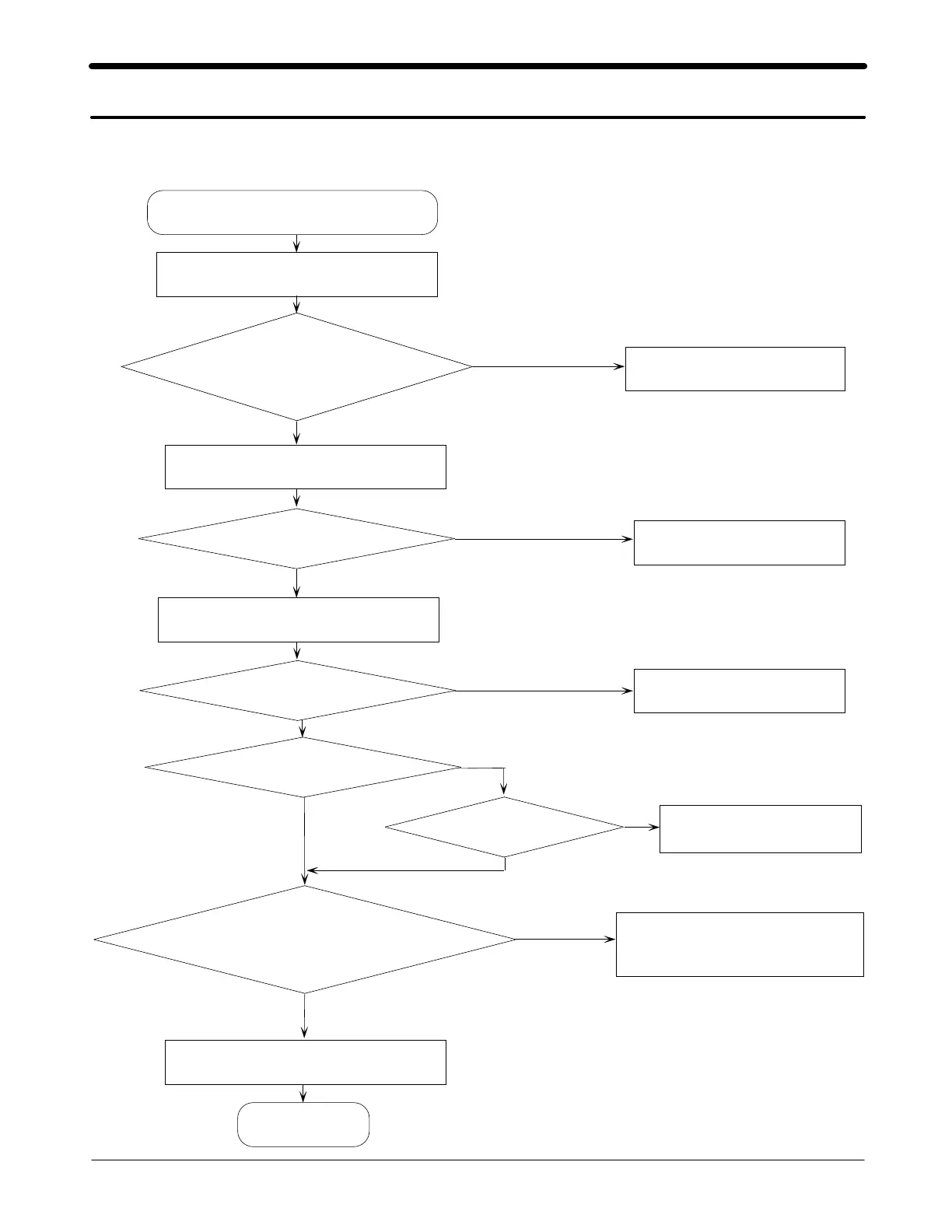
2-1-1. Power ON
'Power ON' Does not work
Check the current consumption
Current consumption
≥
100mA ?
Check the V bat. voltage
Down load again
Voltage
≥
3.3V ?
Check the pins of UCP301
C311
≥
1.8V ?
Check the Initial operation
END
C314 and C315 = 2.8V?
Charge the Battery
Checktheclockgeneration
circuit (TCX101, U104 pin#4)
Checktheclocksignal
at pin #3 of TCX101
Freq.=13MHz,Vrms
≥
300mV
Check UCP301 and C316
Check UCP301 and C311
NO
NO
NO
NO
NO
NO
YES
YES
YES
YES
YES
YES
C316=1.5V?



 To Next Page