71
Menu functions
My Files
(Menu 6)
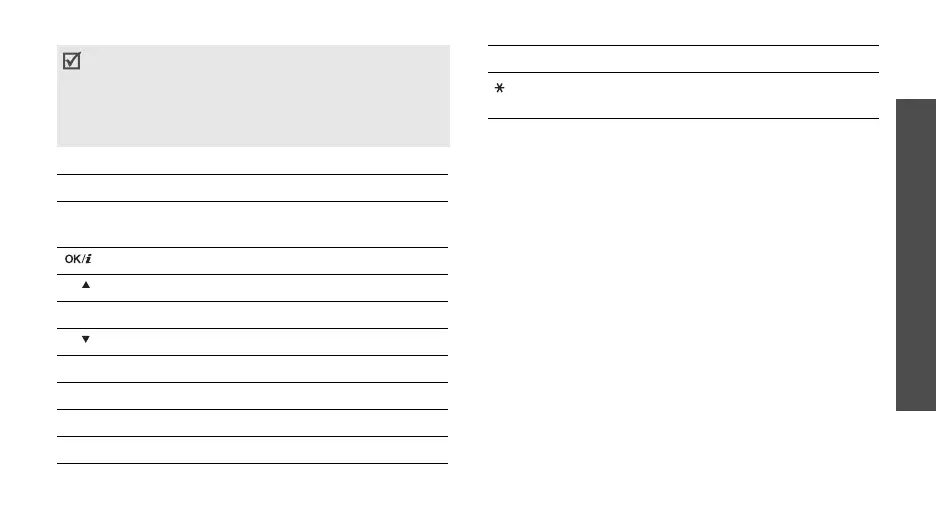
Use the following keys to view the document:
Using document options
While viewing a document, press <
Options
> to
access the following options:
•
Full screen view
/
Normal view
: change the view
mode.
•
Zoom
: zoom in or out.
•
Fit to
: fit the document to the page size, screen
width, or screen height.
•
Go to
: move to another page of the document.
•
Rotate
: rotate the document.
•
Screen panning
/
Normal panning
: change the
panning mode to by screen or by preset pixel.
•
Show controller
/
Hide controller
: show
or hide
the shortcut tool bar in Full screen view.
•
Send via
: send the file via MMS, e-mail, or
Bluetooth.
• Depending on the file size or memory capacity of
Picsel File Viewer, some files may not open
properly.
• If a document file contains languages
unsupported by Picsel File Viewer, the content of
the document will not display correctly.
Key Function
Up/Down/
Left/Right
Pans around the page.
Fits the document to the page size.
1
/ Zooms in.
2
Returns to the first page.
3
/ Zooms out.
4
Returns to the previous page.
5
Rotates the document.
6
Moves to the next page.
8
Moves to the last page.
Changes the display to Full screen
view or Normal screen view.
Key Function



 To Next Page