EasyManua.ls Logo

Samsung SilverCare SilverCare Washer - User Manual

Samsung SilverCare SilverCare  Washer
32 pages
Print Icon
To Next Page IconTo Next Page
Loading...
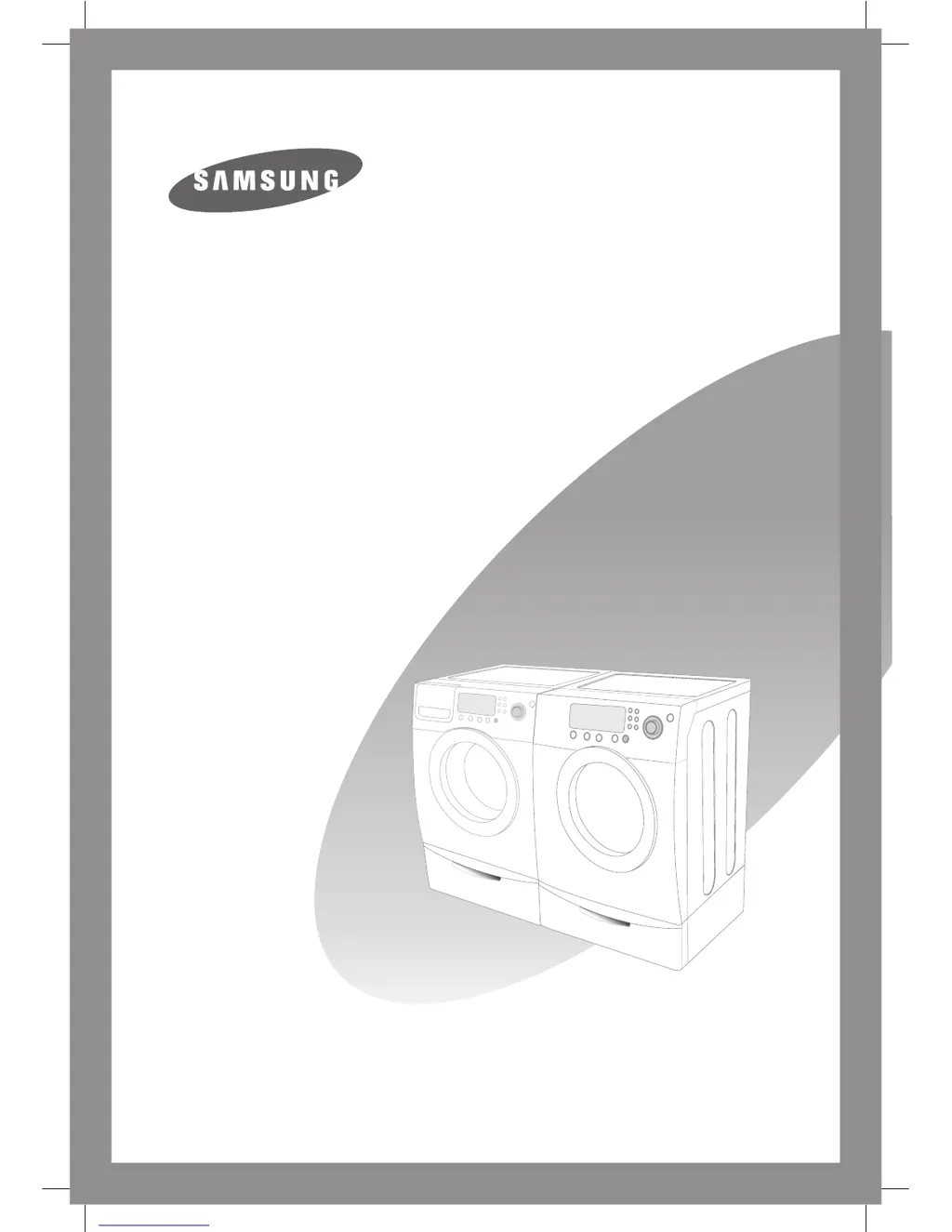
Samsung SilverCare
Washer Owner’s Manual




Questions and Answers

  • B
    Beverly CooperAug 14, 2025
    Why Samsung SilverCare SilverCare Washer will not start?
    • S
      Shelley SuarezAug 14, 2025
      If your Samsung Washer won't start, ensure the door is firmly closed, the washer is plugged in, and the water source faucets are turned on. Press the Cycle Selector dial to start the washer. Also, check if the Child Lock is activated.
  • G
    Gary HernandezAug 17, 2025
    What to do if my Samsung SilverCare SilverCare does not drain and/or spin?
    • J
      Jessica DavidAug 17, 2025
      If your Samsung Washer does not drain and/or spin, check the fuse or reset the circuit breaker. Straighten the drain hoses to eliminate any kinks. Close the door and press the Cycle Selector dial to start the washer.
  • T
    teresa76Aug 20, 2025
    What to do if Samsung Washer leaks water?
    • D
      Derrick OrtegaAug 20, 2025
      If your Samsung Washer leaks water, make sure the door is firmly closed and the hose connections are tight. Ensure the end of the drain hose is correctly inserted and secured to the drain facility. Avoid overloading and use high-efficiency detergent to prevent over-sudsing.
  • C
    Chad WhiteheadAug 25, 2025
    What to do if my Samsung Washer vibrates too much or is too noisy?
    • E
      Elaine PetersonAug 25, 2025
      If your Samsung Washer is vibrating excessively or is too noisy, ensure it is set on a level surface; adjust the feet if necessary. Also, make sure the shipping bolts have been removed, the washer isn't touching any other object, and the laundry load is balanced.
  • W
    William MatthewsAug 27, 2025
    What to do if my Samsung SilverCare SilverCare has no water or not enough water?
    • Q
      qoneillAug 27, 2025
      If your Samsung Washer has no water or not enough water, fully turn on both faucets and ensure the door is tightly closed and the washer is plugged in. Check the fuse or reset the circuit breaker. Press the Cycle Selector dial to start the washer. Straighten the water inlet hoses and disconnect the hoses to clean the screens, as they may be plugged. Open and close the door, then press the Cycle Selector dial.
  • A
    Ann MooreAug 30, 2025
    What to do if my Samsung Washer stops mid-cycle?
    • C
      Christopher HolmesAug 30, 2025
      If your Samsung Washer stops mid-cycle, ensure the cord is plugged into a live electrical outlet and check the fuse or reset the circuit breaker. Close the door and press the Cycle Selector dial to start the washer. There may be a pause or soak period in the cycle, so wait briefly. Also, inspect the screens on the inlet hoses at the faucets for obstructions and clean them periodically.
  • K
    Kristin BrownSep 3, 2025
    Why is my laundry load too wet at the end of the Samsung SilverCare SilverCare cycle?
    • S
      Sara RothSep 3, 2025
      If your laundry load is too wet at the end of the cycle in your Samsung Washer, use the High or Extra High spin speed. Using high-efficiency detergent can also reduce over-sudsing. Note that very small loads (one or two items) may become unbalanced and not spin out completely.
  • M
    Melinda SandersSep 6, 2025
    Why does my Samsung Washer have excessive suds?
    • K
      Kathleen MartinSep 6, 2025
      If your Samsung Washer has excessive suds, use high-efficiency detergent to prevent over-sudsing. Reduce the detergent amount for soft water, small, or lightly soiled loads. Non-HE detergent is not recommended.

Summary

Features of Your Samsung Washer

SilverCare Sanitization Technology

Sanitizes laundry using silver ions, kills bacteria, energy efficient.

Energy and Water Saving Features

Saves energy and water with cold water sanitization.

Safety Precautions for Your Washer

Understanding Safety Instructions

Importance of common sense and care during installation and operation.

Safety Symbols and Labels

Explains WARNING and CAUTION symbols for hazards.

General Safety Guidelines

Covers fire/explosion risks, electrical shock, chemicals, and child safety.

Installing Your Samsung Washer

Electrical and Grounding Requirements

Electrical needs, grounding, and safety precautions for wiring.

Water Supply and Pressure Needs

Water pressure requirements and faucet accessibility for proper filling.

Installer Instructions and Bolt Removal

Key instructions for installers, including removing shipping bolts.

Initial Hose Connections

Initial steps for drain and water inlet hose connections.

Final Water and Electrical Connections

Connecting water supply and plugging into a grounded electrical outlet.

Leveling the Washer for Stability

Adjusting leveling legs and using rubber cups for stability.

Operating Your Samsung Washer

Loading Clothes and Avoiding Overload

Guidelines for loading clothes and avoiding overloading.

Starting a Wash Cycle

Sequence of steps to start a wash cycle.

Washing a Load of Laundry

Control Panel Overview and Functions

Diagram and explanation of control panel buttons and indicators.

Selecting Wash Cycles and Options

Explanation of options like Delay Start, Extra Wash, and cycle selector usage.

Detailed SilverCare Washing Instructions

How SilverCare™ sanitizes, its energy savings, and benefits.

Recommended Detergent Usage

Emphasis on High Efficiency (HE) detergents.

Automatic Dispenser Operation

How to use the automatic dispenser.

Detergent Compartment Loading

How to add detergent and color-safe bleach.

Troubleshooting Washer Issues

Troubleshooting with Error Codes

Information Codes Overview

Explanation of error codes displayed by the washer.

Samsung SilverCare SilverCare Washer Specifications

General IconGeneral
BrandSamsung
ModelSilverCare SilverCare Washer
CategoryWasher
LanguageEnglish

Related product manuals