that anyone can do.
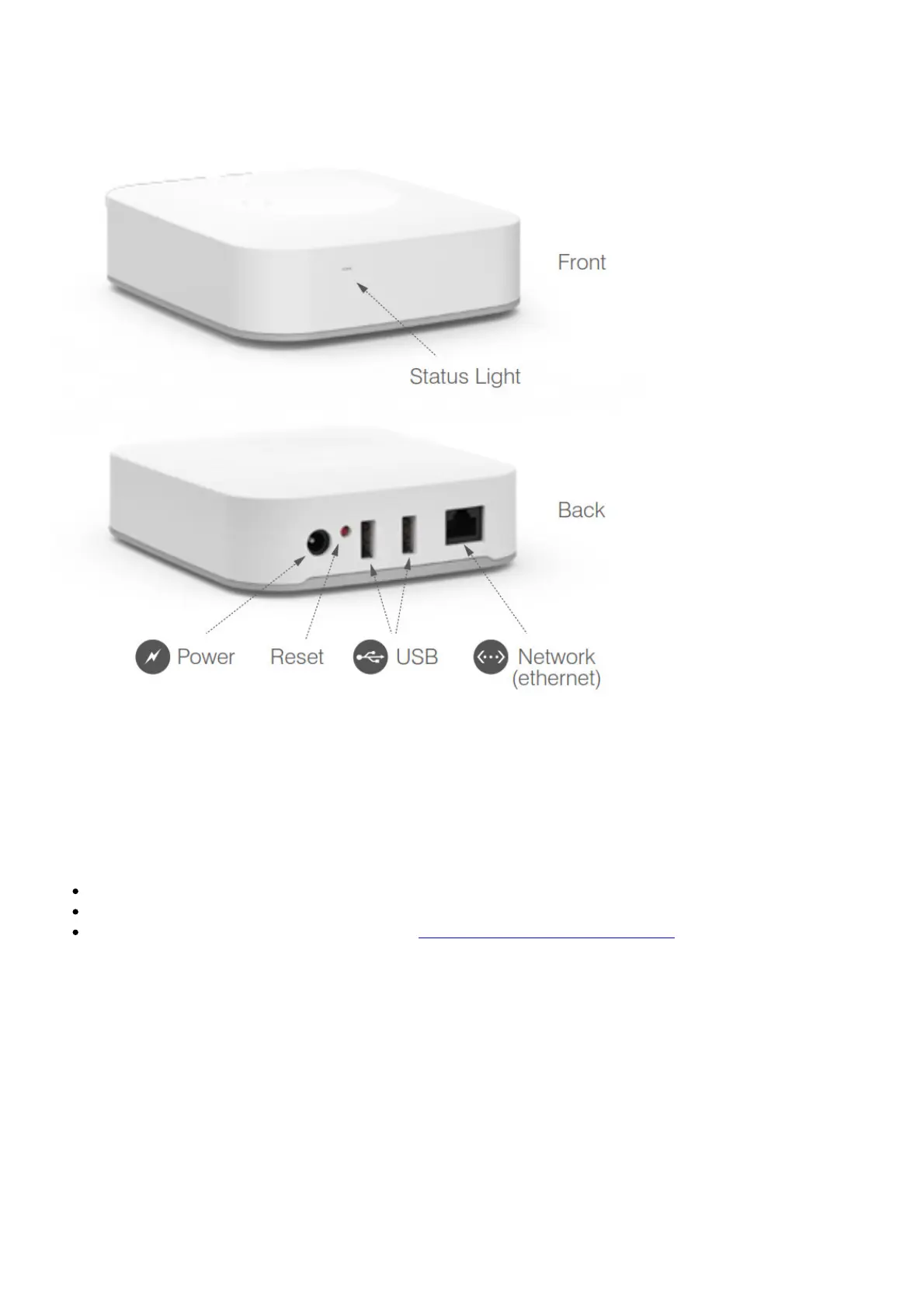
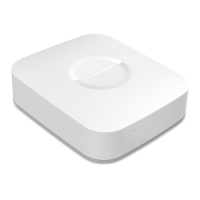
Simply plug in the included Ethernet cable from your Hub to your Internet router, attach the power
cord to the wall, and then use the free SmartThings app to start connecting your devices. Easy peasy.
Simple Setup
The SmartThings Hub works best if installed in a central location to where your SmartThings will be
connected. The recommended separation distance from the user for this equipment is 7.6 inches (20
cm).
Connect your SmartThings Hub to your Internet router using the included Ethernet cable.
Plugin the power adapter to an outlet and attach the power connector to the back of the Hub.
Continue setting up your Hub by going to www.SmartThings.com/start on your smartphone
and following the on-screen instructions.


 To Next Page