English 49
Operations
Notication ( )
Indicates there is a notication message.
Cloud sync ( )
Indicates Family Hub is receiving data from the cloud server.
Energy Saver ( )
Indicates Energy Saver is on.
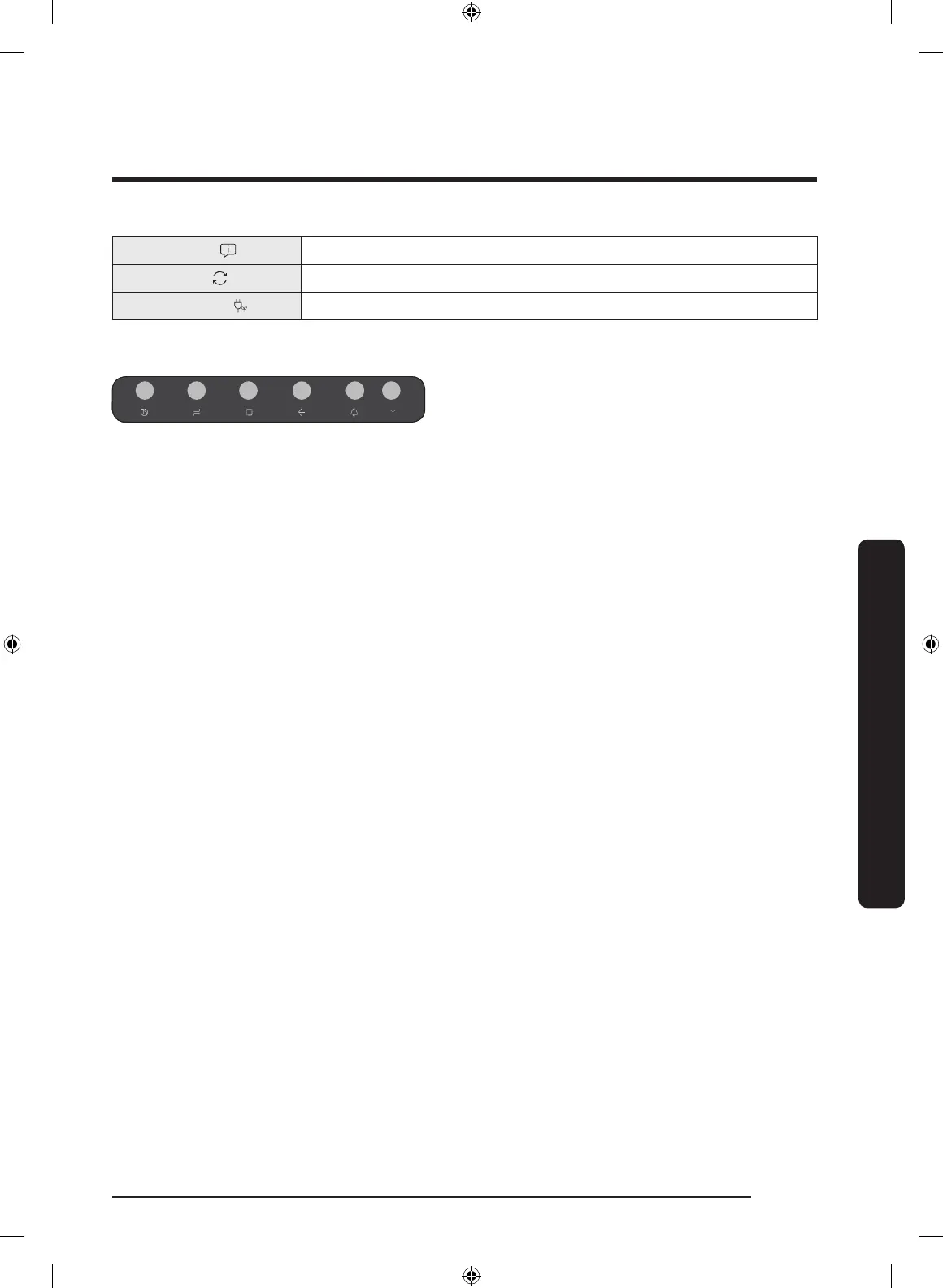
02 Soft buttons
01 Bixby
- Tap to use Bixby.
02 Task Manager
- Tap to open the Task Manager.
- See the Task Manager section for
details.
03 Home
- Tap to open the Home screen.
04 Return
- Tap to return to the previous screen.
05 Notication
- Tap to display the Quick Panel.
06 Hide/Show
- Tap to hide or show Soft buttons.
- The Hide/Show button only appears
when an app is active.
Untitled-2 49 2019-08-13 1:29:09













 To Next Page