Operations
English50
Operations
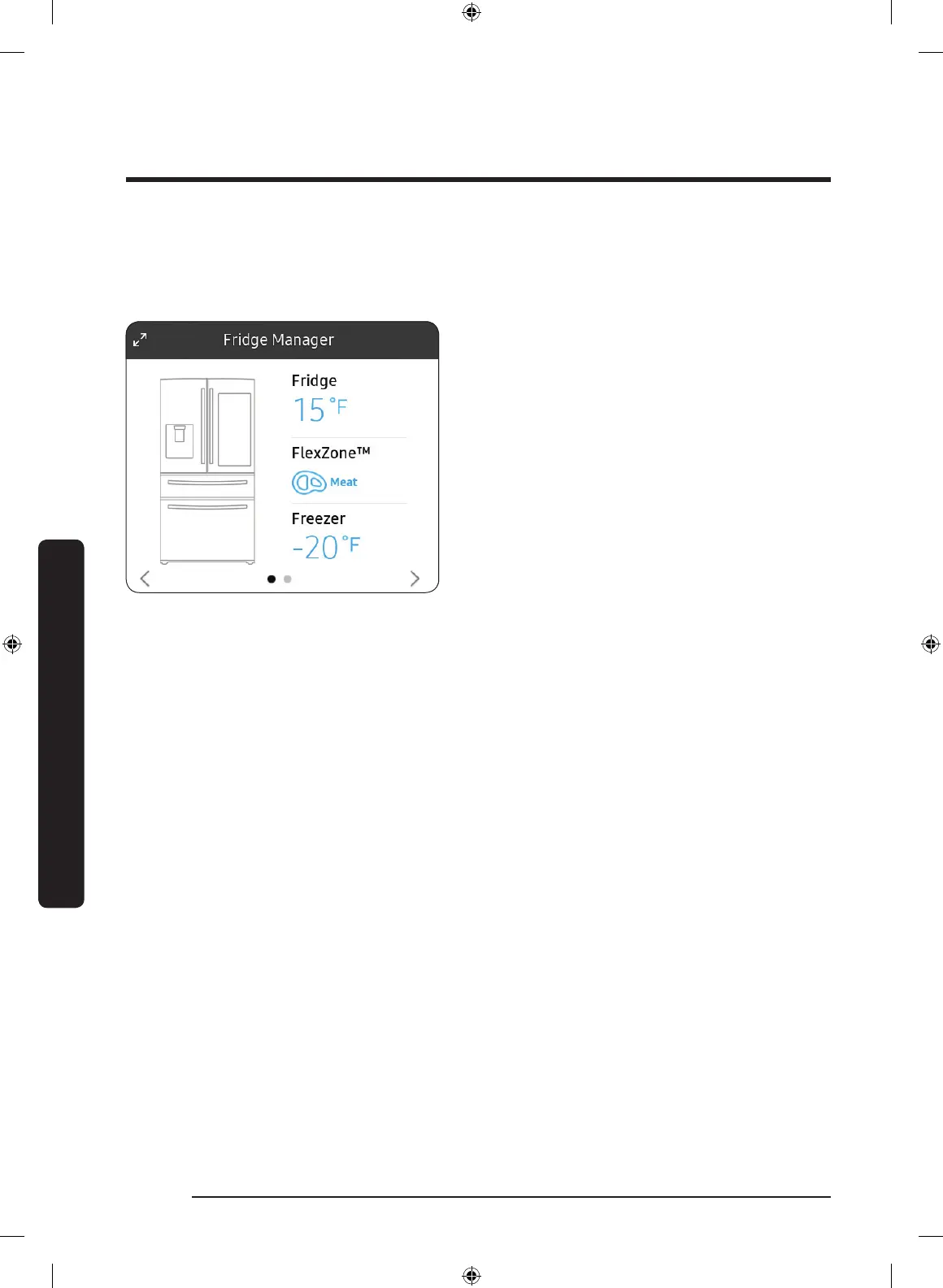
Fridge Manager
To access Fridge Manager, swipe the Home screen to the left, and then tap the Fridge
Manager widget.
• Tap < or > on the bottom of the widget
to move between pages.
• On the rst page, you can check the
current temperatures or modes of each
compartment as well as active special
functions.
• Tap the rst page to open the Fridge
Manager for detailed settings.
• On the second page, you can check the
lter status.
• Tap the second page to open the Fridge
Settings.
• Tap Buy Filter on the second page
to open the website where you can
purchase a water lter.
Untitled-2 50 2019-08-13 1:29:09













 To Next Page