Extended functions
31
Shooting modes
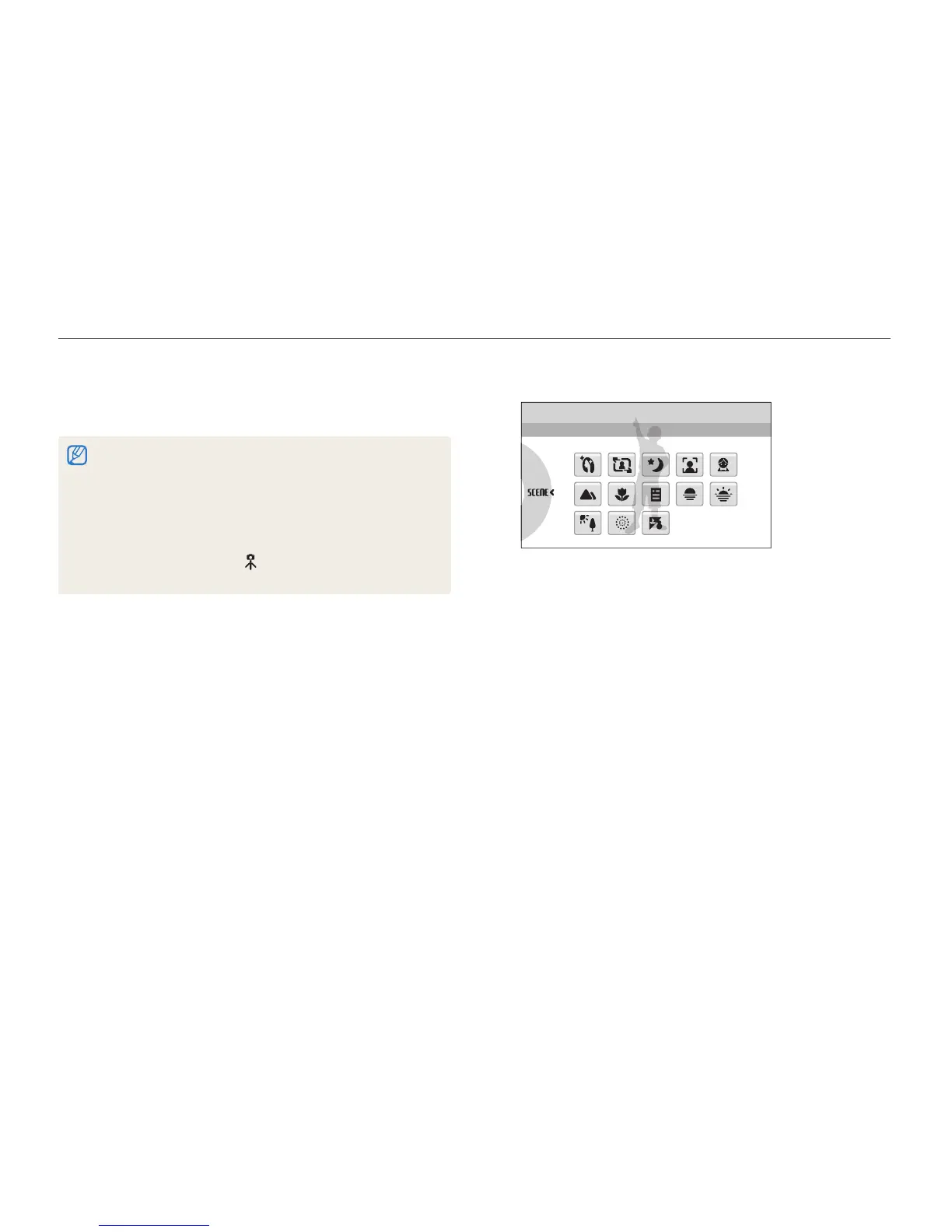
Select a scene.
2
Scene
This mode allows you to choose an appropriate scene for a
variety of situations.
For the t Beauty Shot mode, see “Using the Beauty Shot
mode” on page 32.
For the t Frame Guide mode, see “Using the frame guide” on
page 33.
For the t Night mode, see “Adjusting the exposure in the Night
mode” on page 34.
For the t Children mode, see “Using the Children mode” on
page 33.
Align your subject in the frame and half-press [
3
Shutter]
to focus.
Press [
4
Shutter] to take the photo.
Half-press [
3
Shutter] to focus.
Press [
4
Shutter] to take the photo.
If the camera does not recognise a proper scene mode, t
S
will not
change and the default settings will be used.
Even if there is a face detected, the camera may not select a portrait t
mode depending on the subject's position or lighting.
The camera may not select the correct scene depending on shooting t
environments, such as camera shake, lighting and distance to the
subject.
Even if you use a tripod, the t
mode may not be detected depending
on the subject's movement.
Using the Scene mode
Take a photo with options preset for a specific scene.
In Shooting mode, select
1
a
s
.



 To Next Page