Playback/Editing
73
Editing a photo
Perform photo editing tasks, such as rotating, resizing, eliminating red-eyes, and adjusting brightness, contrast, or saturation.
Resizing photos
In Playback mode, select a photo
1
.
Select
2
an option.
Select t to save the photo as a start image. (p. 90)
1920 X 1080
Select
3
.
Available options differ depending on the size of the selected photo.
Edited photos will be saved as new files.t
When you edit photos that are t
or larger, they will be automatically
resized to a lower resolution (except when rotating or resizing photos).
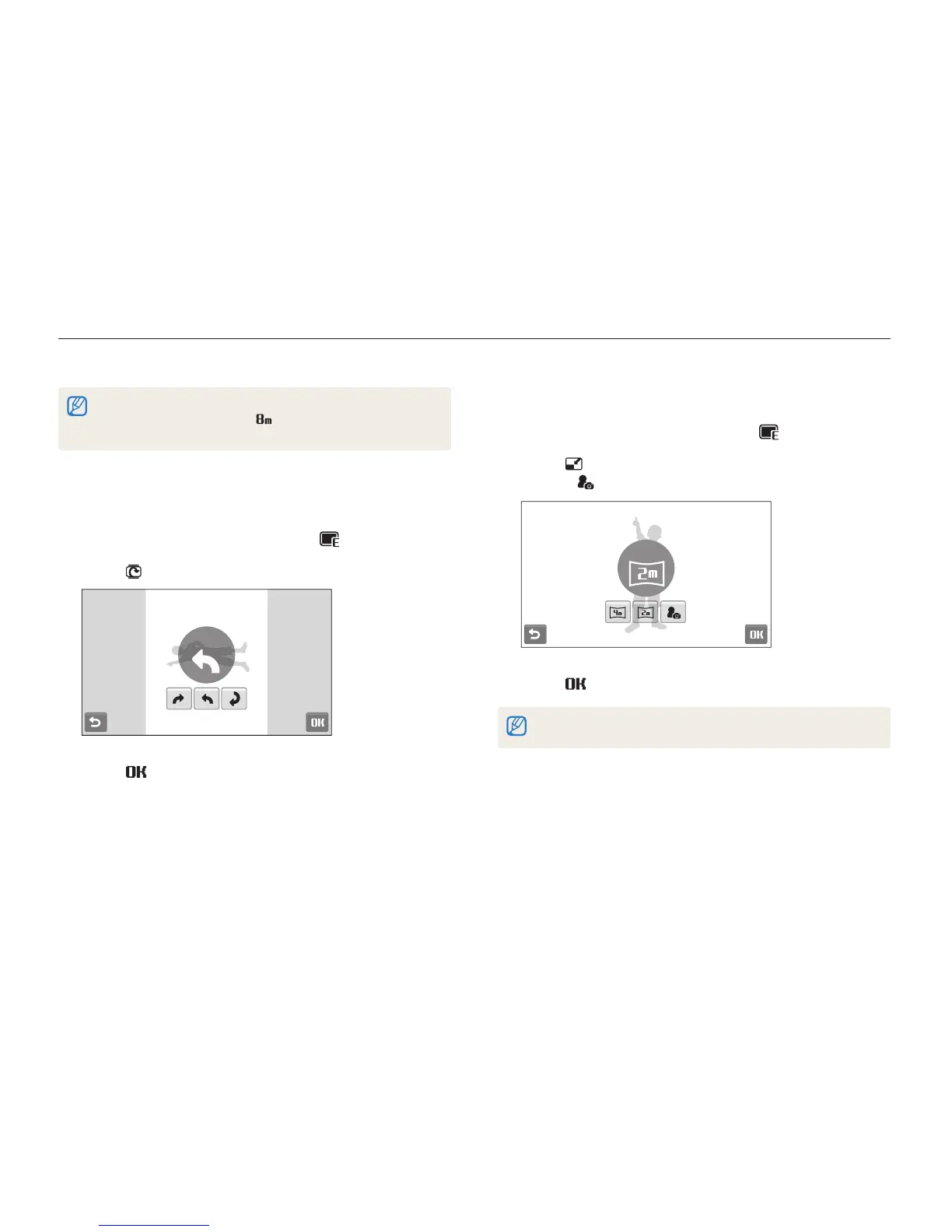
Rotating a photo
In Playback mode, select a photo
1
.
Select
2
an option.
Left 90˚
Select
3
.



 To Next Page