Shooting options
57
Adjusting brightness and colour
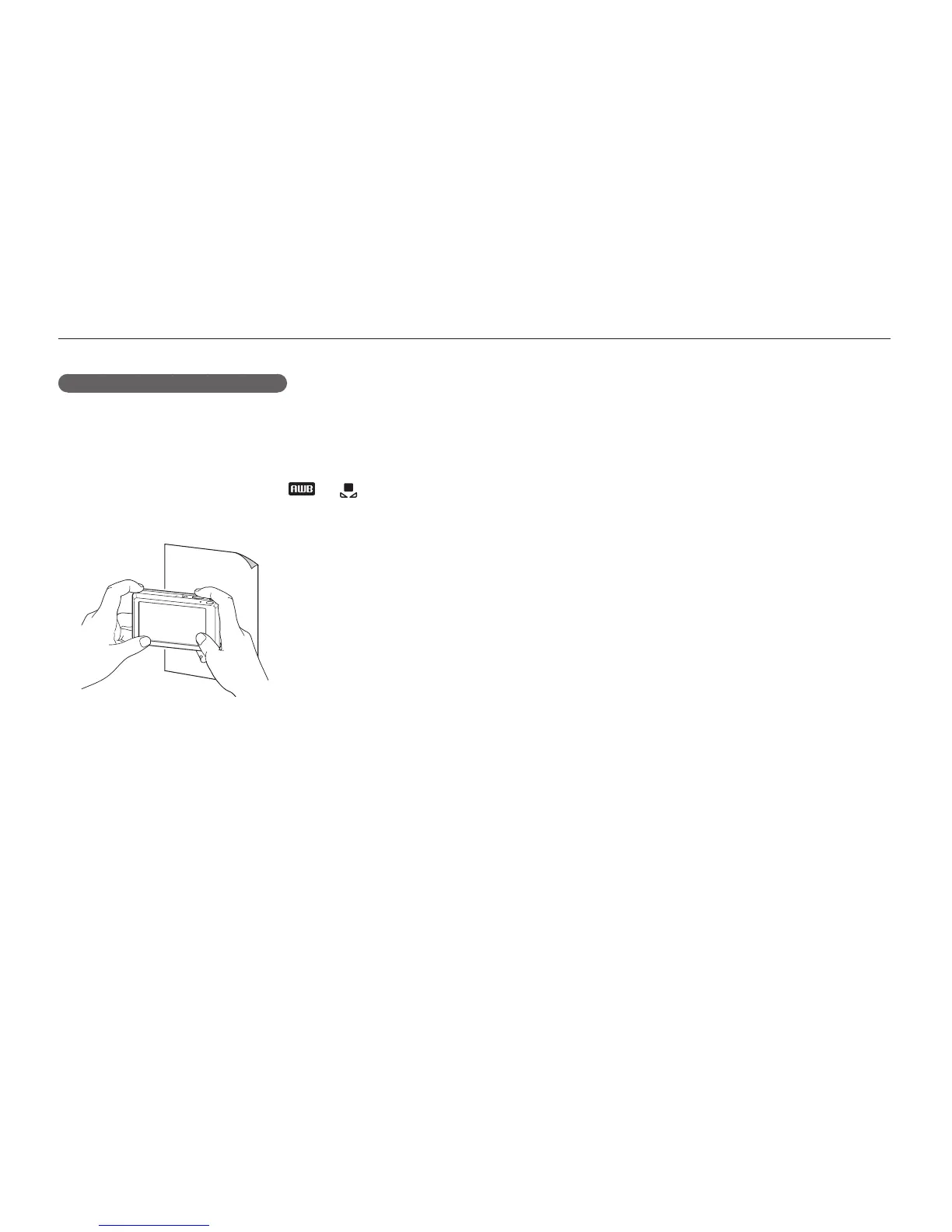
Defining your own white balance
You can customise the white balance by taking photos of a white
surface, such as a piece of paper. This will help you to match
the colours in your photo with the actual scene according to your
lighting condition.
In Shooting mode, select
1
f
.
Aim the lens at a piece of white paper.
2
Press [
3
Shutter].



 To Next Page