78
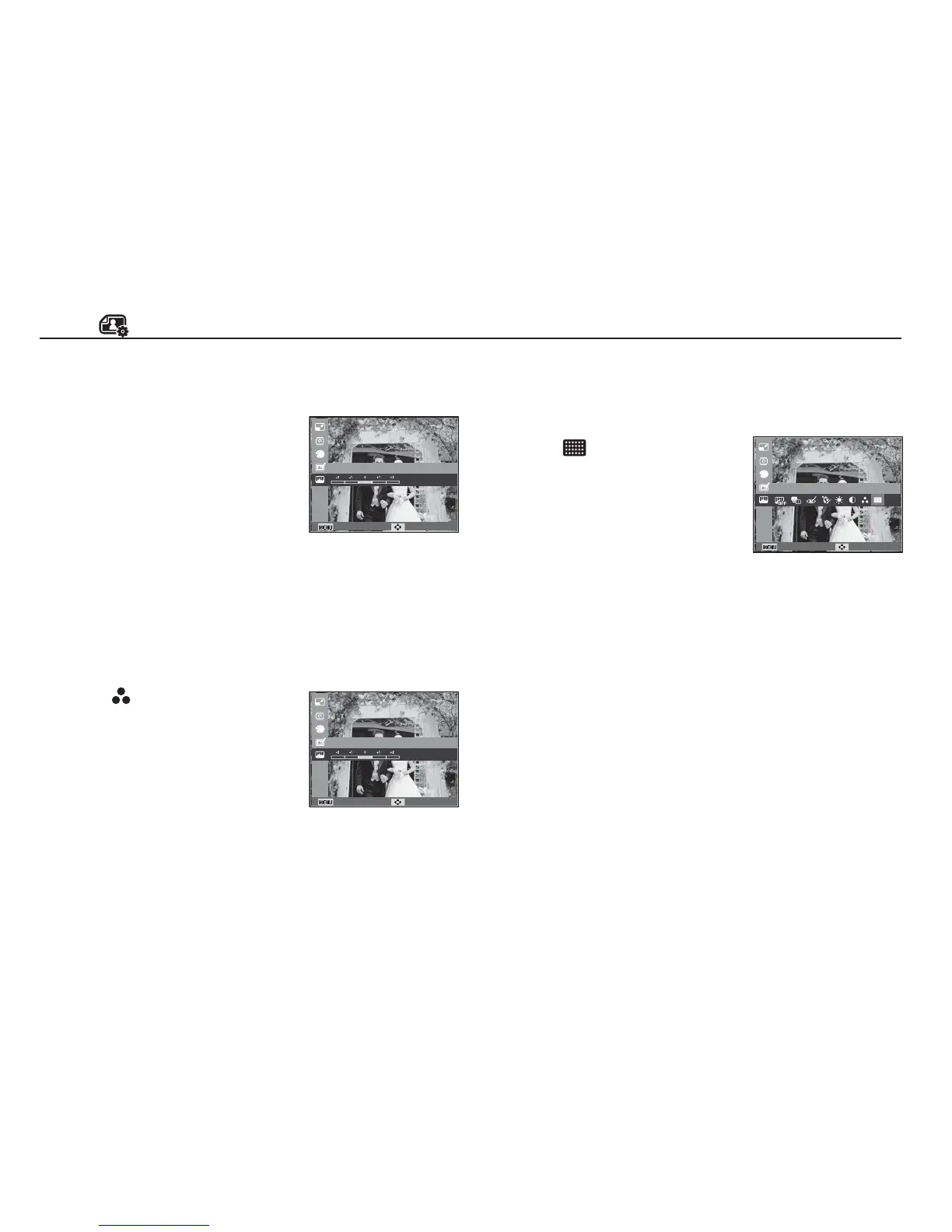
Contrast control
You can change the contrast of the image.
1. Select (
) by pressing the Left/Right
button and press the OK button. Then
a bar for selecting the contrast will be
displayed.
2. Change the contrast by pressing the
Left/Right button.
3. Press the OK button and the image
will be saved as a new file name.
Edit ( )
Back Move
Contrast
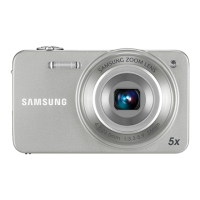
Saturation control
You can change the saturation of the image.
1. Select ( ) by pressing the Left/
Right button and press the OK button.
Then a bar for selecting the saturation
will be displayed.
2. Change the saturation by pressing the
Left/Right button.
3. Press the OK button and the image
will be saved as a new file name.
Back Move
Saturation
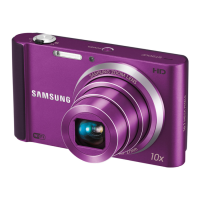
Noise effect
You can add noise to an image to add a more classic feel to
your photo.
Back Move
Add Noise
1. Select ( ) by pressing the
Left/Right button and press the OK
button.
2. The [Making New Image] message is
displayed and the image is saved as
a new file name.



 To Next Page