Playback/Editing
84
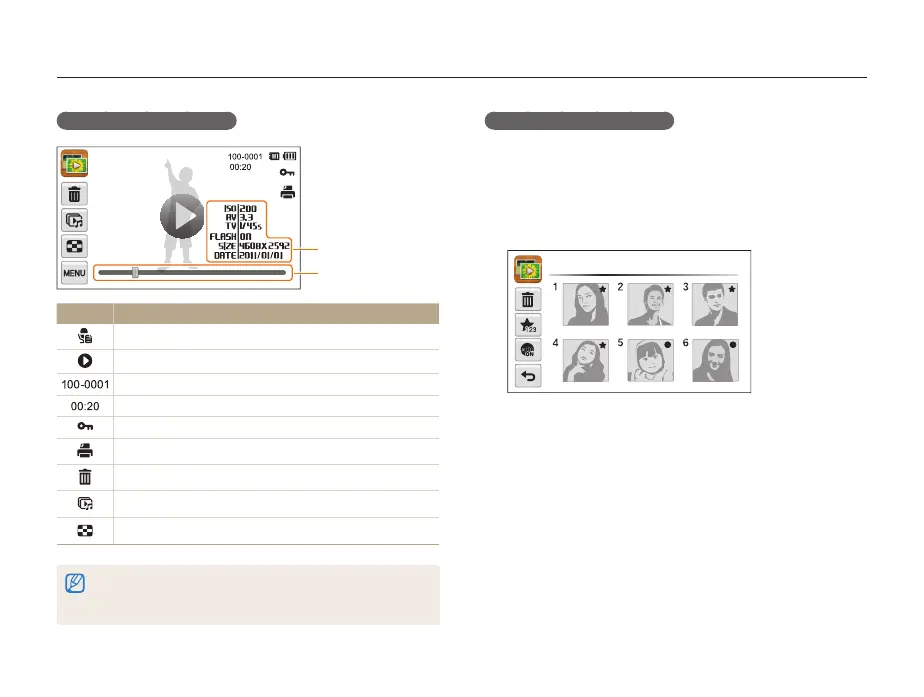
Viewing photos or videos in Playback mode
Ranking your favorite faces
You can rank your favorite faces or delete them. The favorite face
feature is available only when you insert a memory card into the
camera.
1
In Playback mode, touch
m
Face List.
•
In Thumbnail view or Smart album, touch
m
Face List.
Face List
Display in Playback mode
File Information
File Location
Icon Description
Photo includes a voice memo
Play videos (p. 91) or voice memos (p. 92)
Folder name – File name
Video length
Protected file
Print order has been set (DPOF)
Delete files (p. 88)
Play a slide show (p. 90)
View files as thumbnails (p. 86)
To display file information on the screen, touch
m
File Information
an option
o
. You can select the information to appear either on the front
display or the touch screen.



 To Next Page