Extended functions
46
Capturing photos with the front display
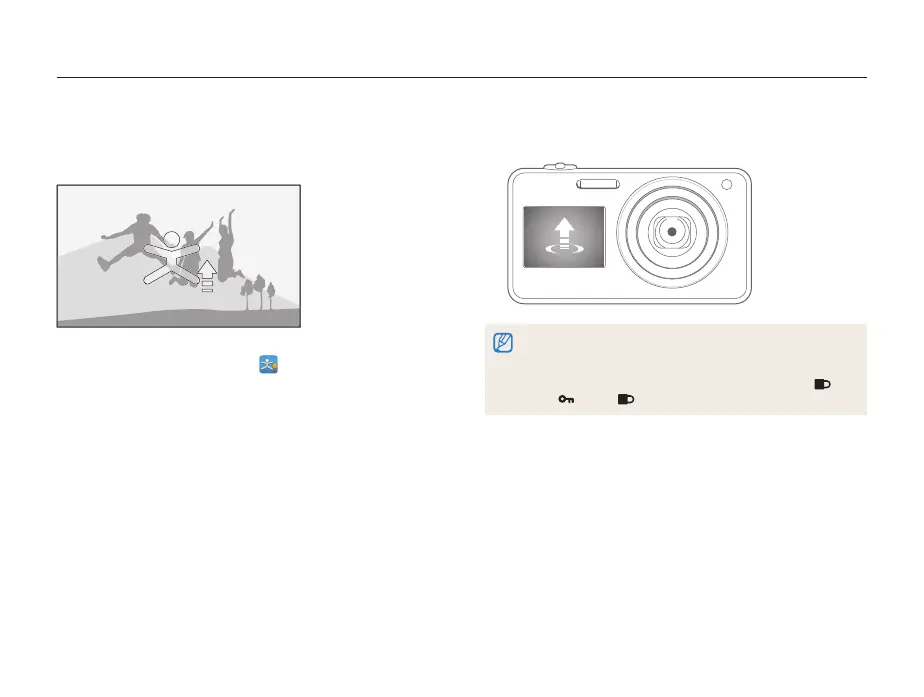
Using the Jump Shot mode
Capture a photo of people jumping. An icon will appear on the
front display to tell your subjects when to jump.
1
On the Home screen, touch .
2
Press [Shutter].
•
The front display will start a countdown a few seconds before
shooting.
3
Jump when the jump icon appears on the front display.
•
The camera will capture 3 photos in succession.
•
If you are capturing photos using the jump shot timer in low light
conditions or indoors, photos may appear dark.
•
In Jump Shot mode, the front display will activate and the touch
screen will lock. To unlock the touch screen, touch and hold
until reaches .



 To Next Page