EasyManua.ls Logo

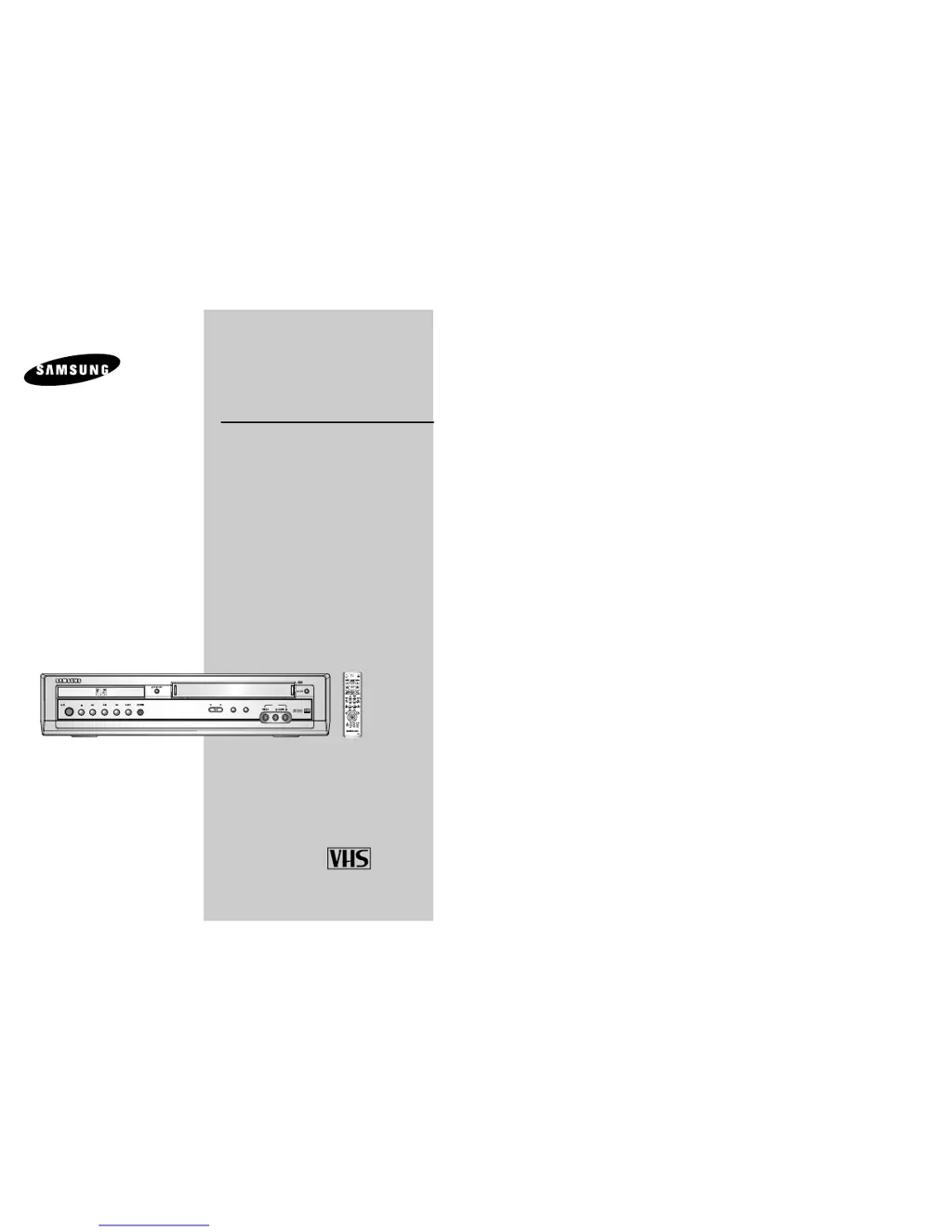
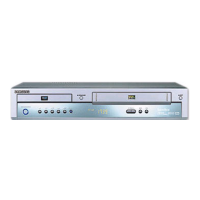
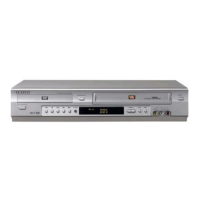
Samsung SV-DVD40 - User Manual

Samsung SV-DVD40
38 pages
Print Icon
To Next Page IconTo Next Page
Loading...
DVD-VCR
SV-DVD40
SV-DVD50
SV-DVD55
www.samsungvcr.com
PAL
EJECT
STANDBY/ON
DVD
PROG
VCR
AUX
OPEN/CLOSE
STANDBY/ON
OK
Instruction Manual

Table of Contents

Other manuals for Samsung SV-DVD40

Questions and Answers

Summary

Safety Precautions

Disc Type and Characteristics

Front View of the DVD-VCR

Rear View of the DVD-VCR

Infrared Remote Control

Display Indicators

Accessories

Connecting DVD-VCR to the TV

Connecting DVD-VCR to the TV using the Coaxial Cable

Guide on connecting the DVD-VCR to a TV via coaxial cable for signal reception.

Connecting DVD-VCR to the TV using the SCART Cable

Instructions for connecting the DVD-VCR to a TV using a SCART cable for improved quality.

Connecting DVD-VCR to Other Equipment

Connecting DVD-VCR to a Satellite Receiver or Other Equipment

Explains connecting the DVD-VCR to satellite receivers or other equipment via SCART or coaxial cable.

Connecting the Audio Output Cable

Details how to connect the DVD-VCR to a Hi-Fi system for enhanced audio playback.

Plug & Auto Set Up

Describes the automatic setup process when the DVD-VCR is first plugged in.

Tuning Your Television for the DVD-VCR

Deck Control Keys

Basic TV Tuner Operations

Inserting Batteries in the Remote Control

Setting the Date and Time

Setting the Menu Language

Presetting the Stations Automatically

Presetting the Stations Manually

Clearing a Preset Station

Changing the Preset Station Table

Setting the DVD-VCR Output Channel

Selecting the Colour Mode

Intelligent Picture Control

VideoPlus+ Extend

Screen Messages

Selecting the Cassette Type

Repeat Play

Selecting the Recording Speed

S-VHS Play

Protecting a Recorded Cassette

Recording a Programme Immediately

Recording a Programme with Automatic Stop

Using the VideoPlus Feature

Modifying VideoPlus Programming

Using the Timer Programming Feature

Checking a Preset Recording

Cancelling a Preset Recording

Playing a Cassette

Selecting the Audio Output Mode

Adjusting Picture Alignment Manually

Playing a Cassette in Slow Motion

Playing a Sequence Frame by Frame

Searching for a Specific Sequence

Playing a Sequence at Variable Speeds

Using the Tape Counter

Connecting an RCA Audio;Video Input Cable

Using the Assemble Edit Function

Recording from Another VCR or Camcorder

Using the TV Buttons on the Remote Control

Choosing a Connection

DVD Setup and Customization

DVD Menu Languages

Configure disc menu, subtitle, and audio languages for playback.

DVD Dolby Digital Out

Configures Dolby Digital audio output for compatible A/V receivers.

DVD Digital Audio Output Options

DVD MPEG-2 Digital Out

Configures MPEG-2 audio output for compatible A/V receivers.

DVD DTS

Configures DTS audio output for compatible A/V receivers.

DVD PCM Down Sampling

Controls PCM downsampling for 96K audio discs.

DVD Dynamic Compression

DVD Display Settings

DVD Display Aspect Ratio and Black Level

Adjust screen aspect ratio and brightness for optimal viewing.

DVD Disc Output Settings

Configure NTSC output and video signal types for DVD playback.

DVD Parental Control

DVD A;V Receiver Connections

DVD Special Playback Features

DVD Disc Menu Navigation

DVD EZ View

DVD Title;Chapter;Time Selection

DVD Angle View

DVD Subtitle Settings

DVD A to B Repeat

DVD Repeat Chapter;Title

DVD Audio Selection

DVD Marks

DVD MP3;WMA Play

DVD Program;Random Playback

DVD MP3;WMA Play Recommendations

DVD Program Play & Random Play

DVD Picture CD Playback

Technical Specifications

Problems and Solutions (VCR)

Troubleshooting Guide (DVD)

Summary

Safety Precautions

Disc Type and Characteristics

Front View of the DVD-VCR

Rear View of the DVD-VCR

Infrared Remote Control

Display Indicators

Accessories

Connecting DVD-VCR to the TV

Connecting DVD-VCR to the TV using the Coaxial Cable

Guide on connecting the DVD-VCR to a TV via coaxial cable for signal reception.

Connecting DVD-VCR to the TV using the SCART Cable

Instructions for connecting the DVD-VCR to a TV using a SCART cable for improved quality.

Connecting DVD-VCR to Other Equipment

Connecting DVD-VCR to a Satellite Receiver or Other Equipment

Explains connecting the DVD-VCR to satellite receivers or other equipment via SCART or coaxial cable.

Connecting the Audio Output Cable

Details how to connect the DVD-VCR to a Hi-Fi system for enhanced audio playback.

Plug & Auto Set Up

Describes the automatic setup process when the DVD-VCR is first plugged in.

Tuning Your Television for the DVD-VCR

Deck Control Keys

Basic TV Tuner Operations

Inserting Batteries in the Remote Control

Setting the Date and Time

Setting the Menu Language

Presetting the Stations Automatically

Presetting the Stations Manually

Clearing a Preset Station

Changing the Preset Station Table

Setting the DVD-VCR Output Channel

Selecting the Colour Mode

Intelligent Picture Control

VideoPlus+ Extend

Screen Messages

Selecting the Cassette Type

Repeat Play

Selecting the Recording Speed

S-VHS Play

Protecting a Recorded Cassette

Recording a Programme Immediately

Recording a Programme with Automatic Stop

Using the VideoPlus Feature

Modifying VideoPlus Programming

Using the Timer Programming Feature

Checking a Preset Recording

Cancelling a Preset Recording

Playing a Cassette

Selecting the Audio Output Mode

Adjusting Picture Alignment Manually

Playing a Cassette in Slow Motion

Playing a Sequence Frame by Frame

Searching for a Specific Sequence

Playing a Sequence at Variable Speeds

Using the Tape Counter

Connecting an RCA Audio;Video Input Cable

Using the Assemble Edit Function

Recording from Another VCR or Camcorder

Using the TV Buttons on the Remote Control

Choosing a Connection

DVD Setup and Customization

DVD Menu Languages

Configure disc menu, subtitle, and audio languages for playback.

DVD Dolby Digital Out

Configures Dolby Digital audio output for compatible A/V receivers.

DVD Digital Audio Output Options

DVD MPEG-2 Digital Out

Configures MPEG-2 audio output for compatible A/V receivers.

DVD DTS

Configures DTS audio output for compatible A/V receivers.

DVD PCM Down Sampling

Controls PCM downsampling for 96K audio discs.

DVD Dynamic Compression

DVD Display Settings

DVD Display Aspect Ratio and Black Level

Adjust screen aspect ratio and brightness for optimal viewing.

DVD Disc Output Settings

Configure NTSC output and video signal types for DVD playback.

DVD Parental Control

DVD A;V Receiver Connections

DVD Special Playback Features

DVD Disc Menu Navigation

DVD EZ View

DVD Title;Chapter;Time Selection

DVD Angle View

DVD Subtitle Settings

DVD A to B Repeat

DVD Repeat Chapter;Title

DVD Audio Selection

DVD Marks

DVD MP3;WMA Play

DVD Program;Random Playback

DVD MP3;WMA Play Recommendations

DVD Program Play & Random Play

DVD Picture CD Playback

Technical Specifications

Problems and Solutions (VCR)

Troubleshooting Guide (DVD)

Samsung SV-DVD40 Specifications

General IconGeneral
BrandSamsung
ModelSV-DVD40
CategoryDVD VCR Combo
LanguageEnglish

Related product manuals