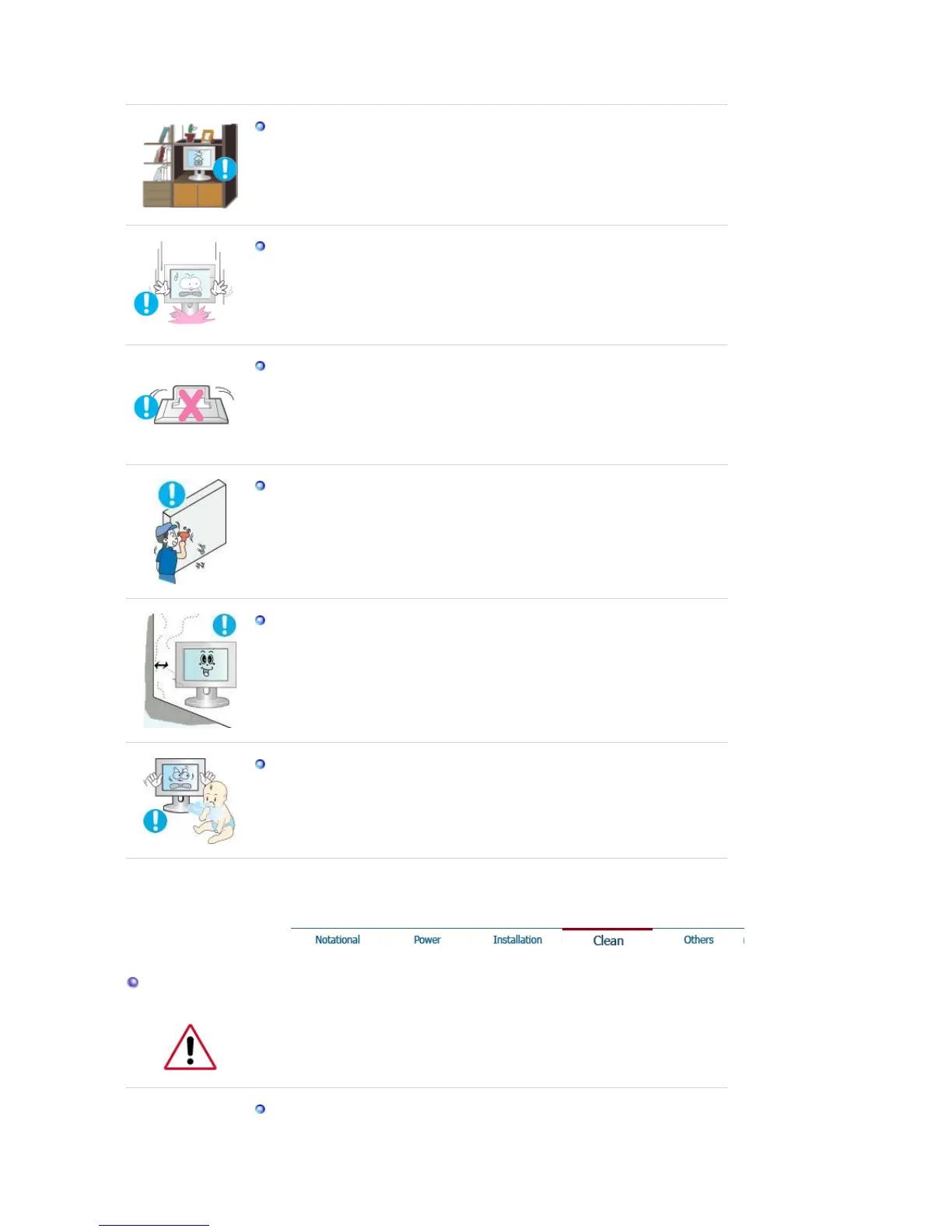
Do not install the product in places with poor ventilation, for instance, a
bookshelf, closet, etc.
z Any increase in internal temperature may cause fire.
Set down the monitor carefully.
z The monitor could be damaged or broken.
Do not place the monitor face down.
z The TFT-LCD surface may be damaged.
Installing a wall bracket must be done by a qualified professional.
z Installation by unqualified personnel may result in injury.
z Always use the mounting device specified in the owner's manual.
When installing the product, make sure to keep it away from the wall
(more than 10 cm / 4 inch ) for ventilation purposes.
z Poor ventilation may cause an increase in the internal temperature of the
product, resulting in a shortened component life and degraded
performance.
Keep the plastic packaging (bag) out of children's reach.
z The plastic packaging (bag) may cause suffocation if children play with
it.
Clean
When cleaning the monitor case or the surface of the TFT-LCD screen, wipe with
a slightly moistened, soft fabric.
Do not spray water or detergent directly on the monitor.











 To Next Page