EasyManua.ls Logo

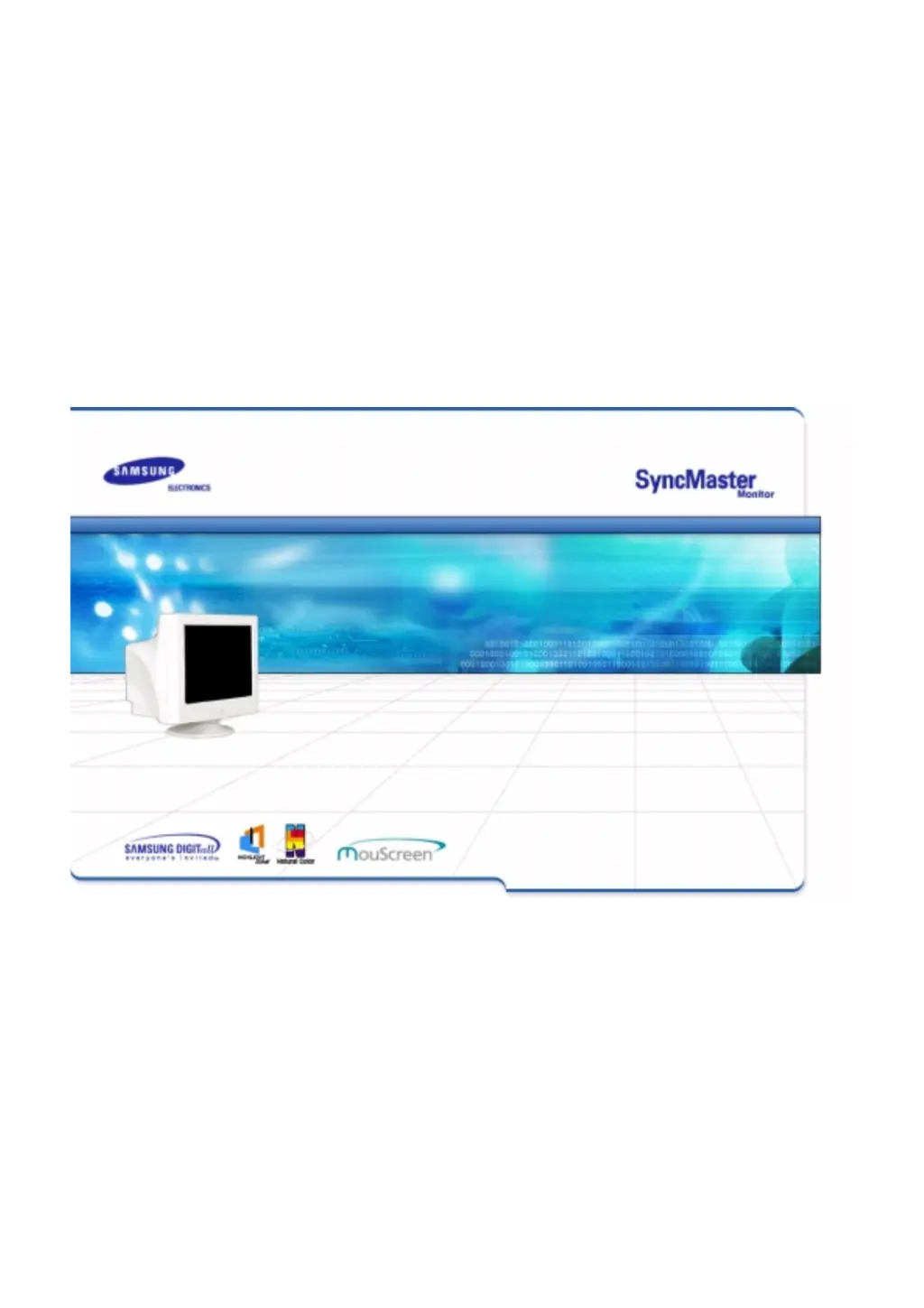
Samsung SyncMaster 957p - User Manual

Samsung SyncMaster 957p
74 pages
Print Icon
To Next Page IconTo Next Page
Loading...

Other manuals for Samsung SyncMaster 957p

Questions and Answers

  • R
    richard15Aug 20, 2025
    Why is there no image on my Samsung SyncMaster 957p?
    • J
      Johnny LoganAug 20, 2025
      If there are no images on the screen and you cannot turn on the monitor, there might be a few reasons. First, check the power cord and signal cable connections. If the initial login screen appears, boot the computer in safe mode and change the video card frequency. Also, the signal from the video card might exceed what the monitor can handle, so adjust the resolution and frequency. Finally, if the monitor is in PowerSaver mode, press a key or move the mouse.
  • S
    Seth HammondAug 22, 2025
    How to fix a partially distorted screen on a Samsung SyncMaster 957p Monitor?
    • J
      joelellisAug 22, 2025
      If the screen is partially distorted, enter the OSD and perform a "Degauss." Also, keep the monitor away from any magnetic products.
  • P
    parkswesleyAug 25, 2025
    How to fix a Samsung Monitor when the LED is blinking but there are no images on the screen?
    • M
      Michelle BeckAug 25, 2025
      If the LED is blinking but there are no images on the screen, adjust the frequency properly by referring to the video card manual and the Preset Display Modes.
  • M
    Matthew HernandezAug 26, 2025
    What to do if my Samsung Monitor won't turn on?
    • L
      Lisa TaylorAug 26, 2025
      If your Samsung Monitor won't turn on, check the power cord and its connection. Also, inspect the signal cable connection. If the login screen appears, boot the computer in safe mode and change the video card frequency. Ensure the monitor's resolution and frequency are properly adjusted. Press a key on the keyboard or move the mouse to activate the monitor.
  • P
    Patricia Brown MDAug 28, 2025
    What to do if the image on my Samsung SyncMaster 957p is shaking?
    • F
      Frederick WilliamsonAug 28, 2025
      If the image on the screen is shaking, it could be due to several factors. The signal from the video card might exceed the maximum resolution and frequency of the monitor. Additionally, ensure the monitor is away from anything that creates a strong magnetic field. The shaking might also be due to low supply voltage.
  • W
    williscalebAug 29, 2025
    How to fix "Unrecognized monitor, Plug & Play (VESA DDC) monitor found" message on Samsung Monitor?
    • W
      William LewisAug 29, 2025
      To resolve the message "Unrecognized monitor, Plug & Play (VESA DDC) monitor found", install the monitor driver according to the Driver Installation Instructions.
  • E
    Emily Underwood DVMAug 31, 2025
    Why does my Samsung SyncMaster 957p Monitor screen show strange colors?
    • L
      Lance CrawfordAug 31, 2025
      If your Samsung Monitor displays strange colors or only black and white, check the signal cable connection and ensure the video card is fully inserted. Reboot the computer. Also, configure the video card settings by referring to the video card manual.
  • B
    Brian JamesSep 2, 2025
    Why is the image on my Samsung Monitor shaking?
    • M
      mcdowelltiffanySep 2, 2025
      If the image on your Samsung Monitor is shaking, it could be due to the video card signal exceeding the monitor's maximum resolution and frequency. Move the monitor away from anything that creates a strong magnetic field. Also, the shaking can appear at a particular time of day due to low supply voltage.
  • L
    Lindsey RiveraSep 4, 2025
    How to fix unbalanced screen on Samsung Monitor?
    • R
      russellmaldonadoSep 4, 2025
      If your Samsung Monitor screen has become unbalanced, adjust the screen image position and size using the OSD (On-Screen Display). You can also adjust the resolution and frequency at the video card. Readjust the position using the OSD.
  • M
    Marcus CabreraSep 6, 2025
    What to do if LED is blinking but no images on Samsung Monitor?
    • C
      Christopher MurraySep 6, 2025
      If the LED is blinking but there are no images on your Samsung Monitor, adjust the frequency properly by referring to the video card manual and the Preset Display Modes. The maximum frequency per resolution may differ from product to product.

Samsung SyncMaster 957p Specifications

General IconGeneral
Screen Size19 inches
Display TypeCRT
Maximum Resolution1920 x 1440
Refresh Rate85 Hz
Aspect Ratio4:3
Brightness300 cd/m²
Dot Pitch0.24 mm
Viewable Size18 inches
Horizontal Refresh Rate30 - 96 kHz
Vertical Refresh Rate50 - 160 Hz
Resolution1920 x 1440
Input ConnectorsVGA
Max Resolution1920 x 1440
Input SignalAnalog

Related product manuals