EasyManua.ls Logo

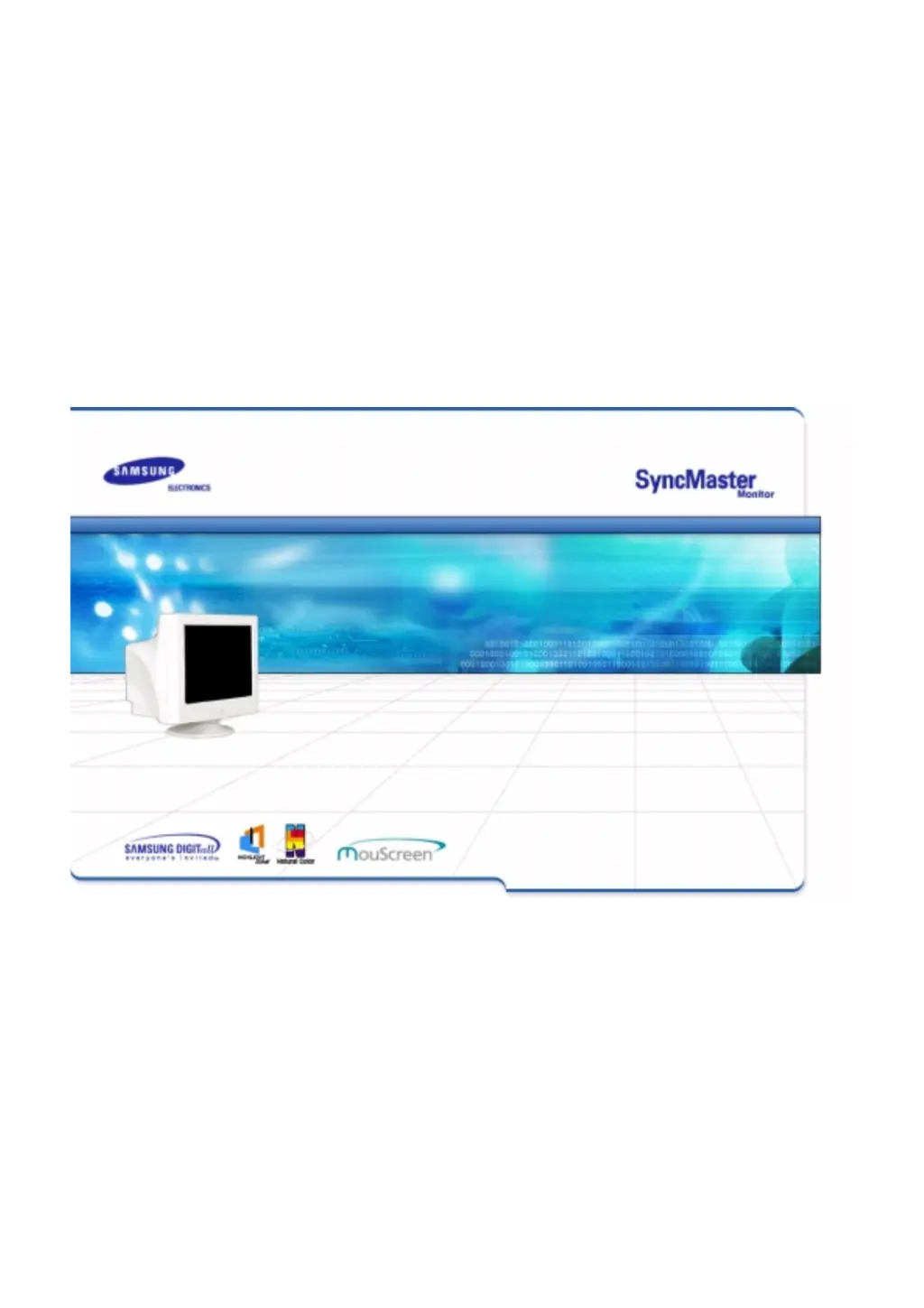
Samsung SyncMaster 957p - User Manual

Samsung SyncMaster 957p
74 pages
Print Icon
To Next Page IconTo Next Page
Loading...

Other manuals for Samsung SyncMaster 957p

Questions and Answers

  • F
    fcurrySep 8, 2025
    How to fix a partially distorted screen on Samsung SyncMaster 957p Monitor?
    • M
      Makayla PattersonSep 8, 2025
      If your Samsung Monitor screen is partially distorted, enter the OSD and perform a "Degauss". Also, keep the monitor away from any magnetic products.
  • C
    Christopher FloresSep 10, 2025
    How to fix out of focus screen or OSD that cannot be adjusted on Samsung Monitor?
    • L
      Lisa MorenoSep 10, 2025
      If the screen is out of focus or the OSD cannot be adjusted on your Samsung Monitor, adjust the resolution and frequency of the video card.
  • T
    Taylor ButlerSep 12, 2025
    What to do if my Samsung Monitor screen suddenly has become unbalanced?
    • D
      Darrell ParkSep 12, 2025
      If the screen suddenly becomes unbalanced, try adjusting the screen image position and size using the OSD (On-Screen Display). You can also adjust the resolution and frequency at the video card. Additionally, readjust the position using the OSD.
  • I
    Ian WilliamsSep 13, 2025
    How to unlock the On Screen Display on Samsung SyncMaster 957p Monitor?
    • T
      Tyler MasonSep 13, 2025
      To unlock the OSD, press the MENU button for at least 10 seconds.
  • H
    Holly MyersSep 15, 2025
    Why does my Samsung Monitor only show 16 colors?
    • T
      Timothy RichardsonSep 16, 2025
      If your Samsung Monitor only shows 16 colors, for Windows 98(95): set the colors properly at the Control Panel, Display, Settings. For Windows 3.1: adjust the colors of the screen using the VGA utility provided by the video card. Also, set the video card by referring to the video card manual.
  • R
    Robert AndradeSep 18, 2025
    How to see the On Screen Display on Samsung SyncMaster 957p Monitor?
    • T
      Teresa MaldonadoSep 18, 2025
      To see the On Screen Display on your Samsung Monitor, unlock the OSD by pressing the MENU button for at least 10 seconds.

Samsung SyncMaster 957p Specifications

General IconGeneral
Screen Size19 inches
Display TypeCRT
Maximum Resolution1920 x 1440
Refresh Rate85 Hz
Aspect Ratio4:3
Brightness300 cd/m²
Dot Pitch0.24 mm
Viewable Size18 inches
Horizontal Refresh Rate30 - 96 kHz
Vertical Refresh Rate50 - 160 Hz
Resolution1920 x 1440
Input ConnectorsVGA
Max Resolution1920 x 1440
Input SignalAnalog

Related product manuals