Adjusting the Monitor
Direct Functions
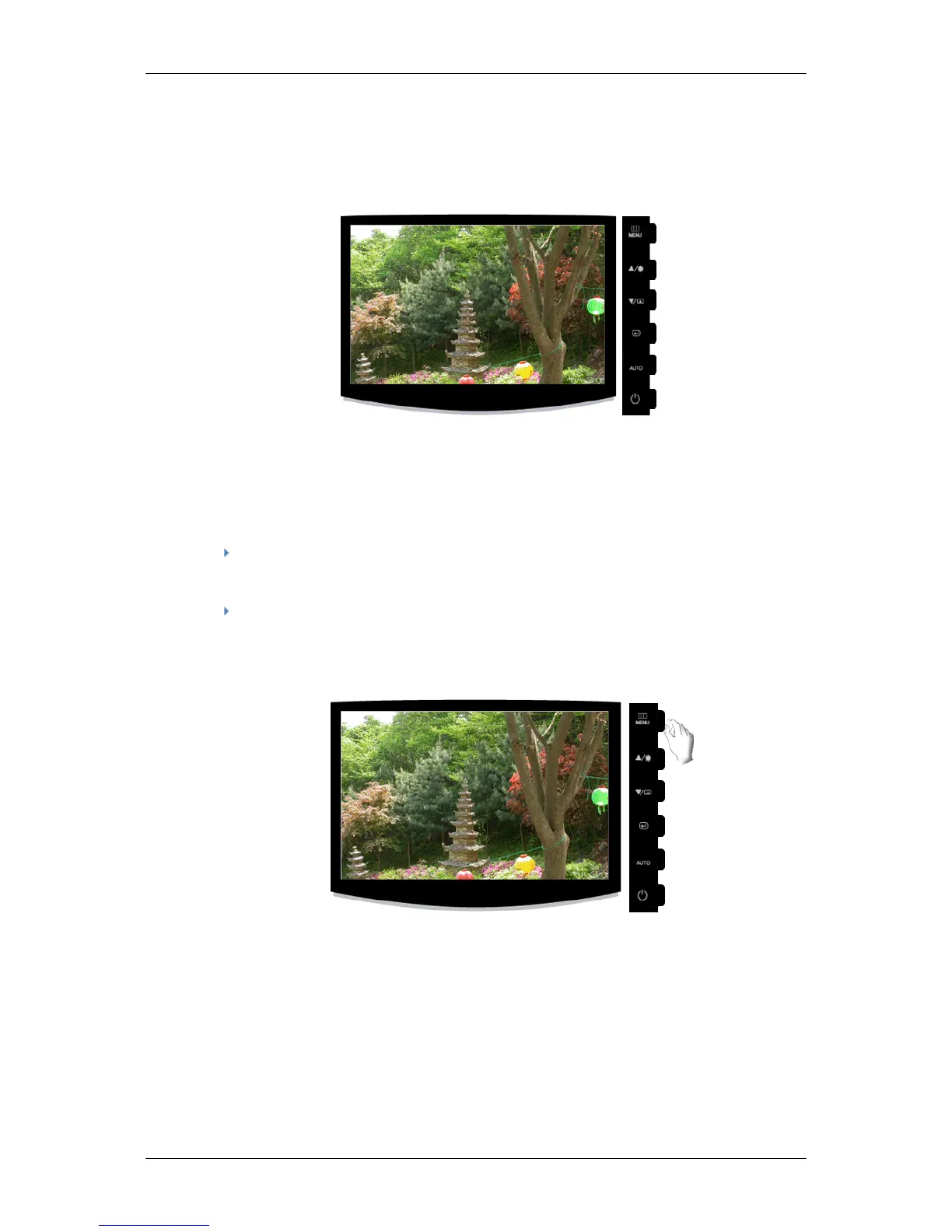
AUTO
When the 'AUTO' button is pressed, the auto adjustment screen appears as shown in the animated
screen on the center.
Auto adjustment allows the monitor to self-adjust
to the incoming Analog signal. The values of Fine,
Coarse and Position are adjusted automatically.
If auto adjustment does not work properly, press 'AUTO' button again to adjust picture with more
accuracy.
If you change resolution in the control panel, auto function will be executed automatically.
OSD Lock & Unlock
When pressing the AUTO button after locking the OSD
When pressing the MENU button after locking the OSD










 To Next Page