• Auto • Wide
• Auto - The screen is displayed in accordance with the screen aspect ratio of the input signals.
• Wide - A full screen is displayed regardless of the screen aspect ratio of the input signals.
Note
• Signals not available in the standard mode table are not supported.
• If the wide screen which
is the optimal resolution for the monitor is set on your PC, this function
is not performed.
MENU →
, → → , → → , → MENU
Information
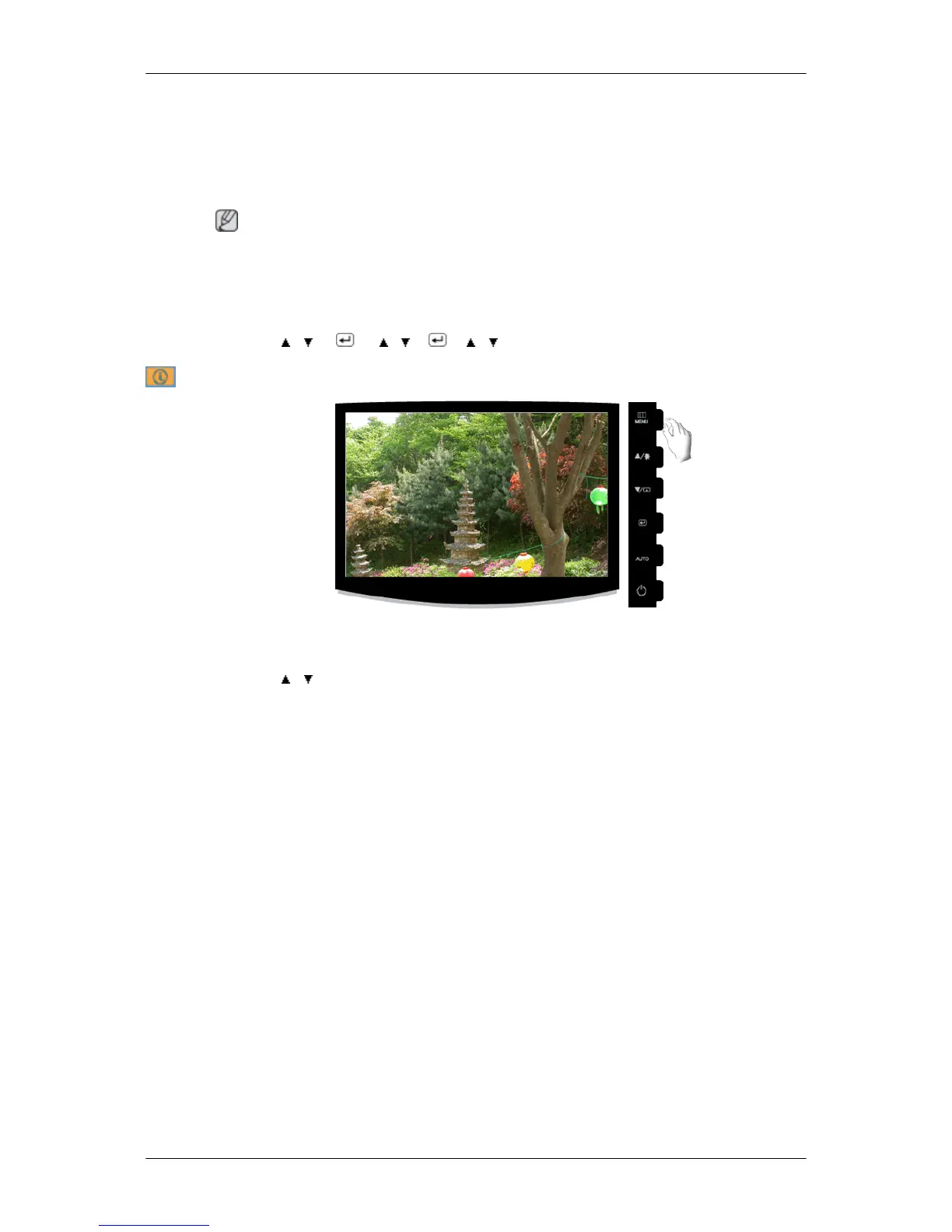
Shows a video source, display mode on the OSD screen.
MENU → , →MENU
Adjusting the Monitor










 To Next Page