Rear
General | BNC Connectors (Option)
General
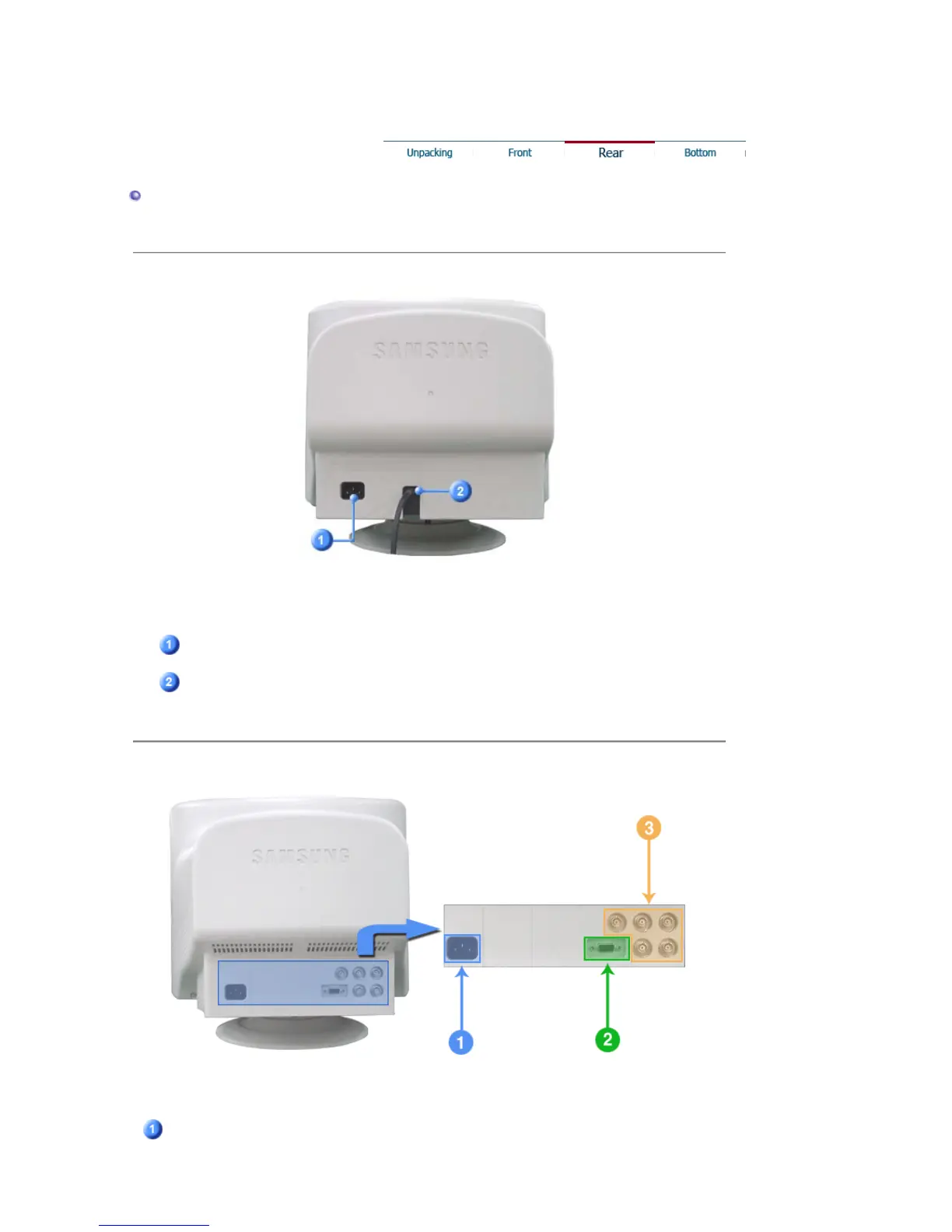
(The configuration at the back of the monitor may vary from product to product.)
Power port
Connect the power cord for your monitor to the power port on
the back of the monitor.
Signal Cable
Connect the signal cable to the video port on your computer,
video board, video card, or graphics card.
BNC Connectors (Option)
(The configuration at the back of the monitor may vary from product to product.)
Power port
Connect the power cord for your monitor to the power port on
the back of the monitor.











 To Next Page