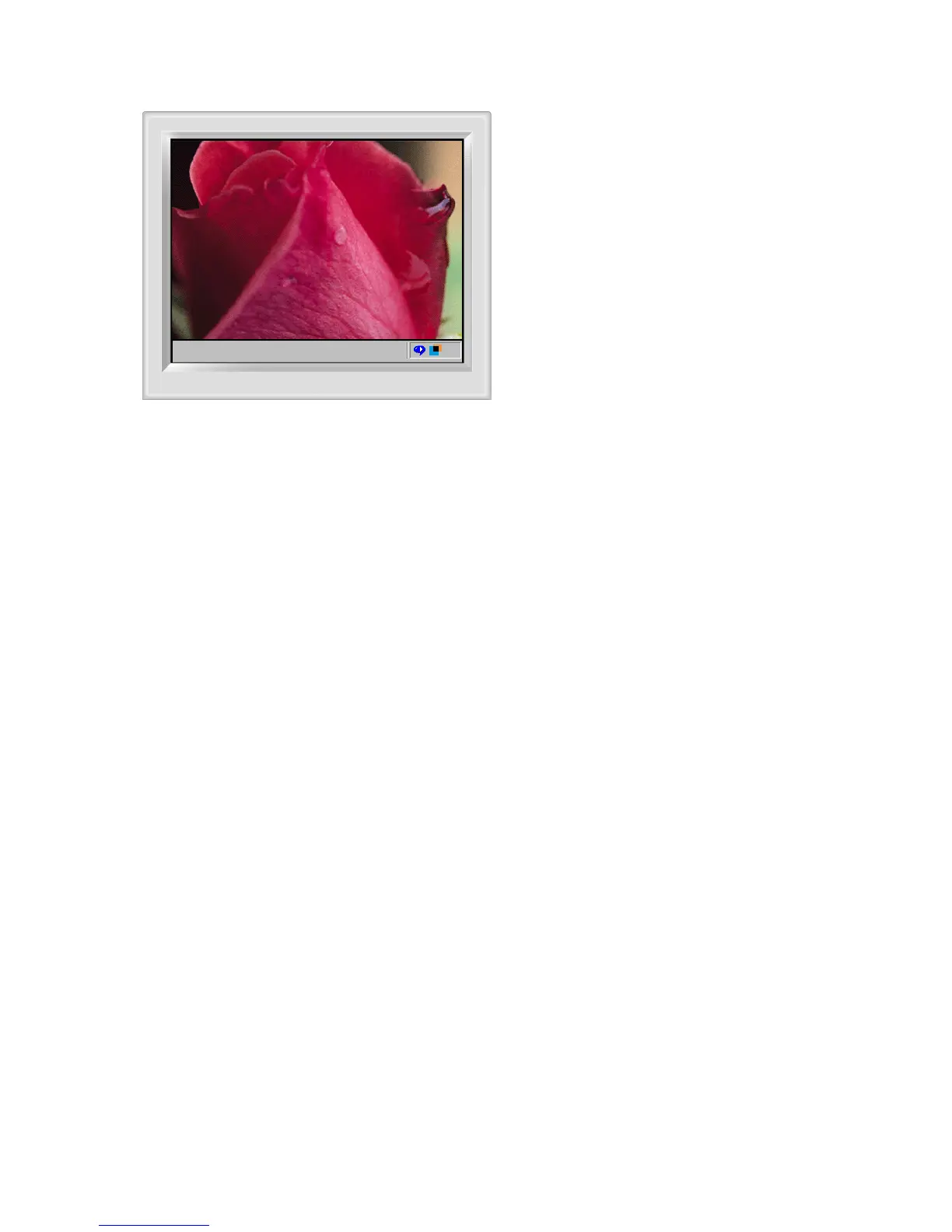
Automatic detect
Manual detect
Exit Program
Auto Detect
Picture Setting
Full Screen
Highlight Off
Other Features
The Highlight Zone ensures the clear and sharp display
of animated multimedia or photo images by enhancing
the brightness of a certain area on the screen.
Highlight Zone III features a combination of the circuitry
and the program built on the proprietary technology of
SEC.
This offers an easy-to-use interface that highlights the
video-playing portion of your multimedia program by
automatically detecting and highlight the desired area
by dragging.
The Highlight Zone provides optimal display of moving
pictures. So, text may appear blurry in the Highlight
Zone.
When BNC is used for signal input, Highlight Zone can
be adjusted by OSD, not by software system.
To adjust Highlight Zone using software system,
use D-sub for si











 To Next Page