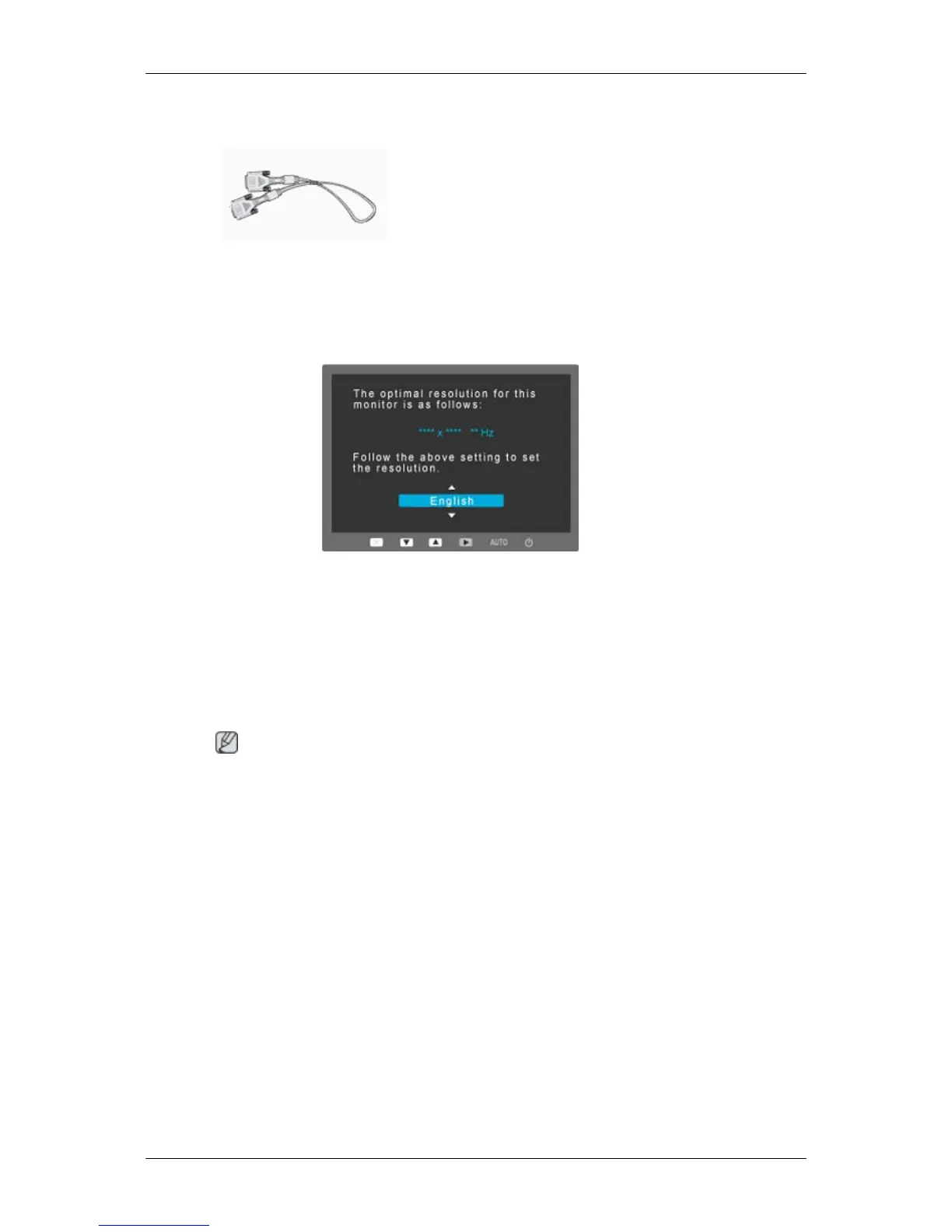
Sold separately
DVI Cable
Your Monitor
Initial Settings
Select the language using the up or down key.
The displayed content will disappear after 40 seconds.
Turn the Power button off and on. It will be displayed again.
It can be displayed up to three (3) times. Make sure to adjust the resolution of your PC before
reaching the maximum count.
Note
The resolution displayed on the screen is the optimal resolution for this product.
Adjust your PC resolution so that it is the same as the optimal resolution for this product.
Introduction


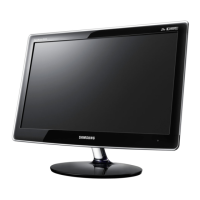
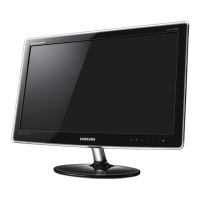
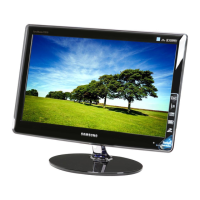

 To Next Page