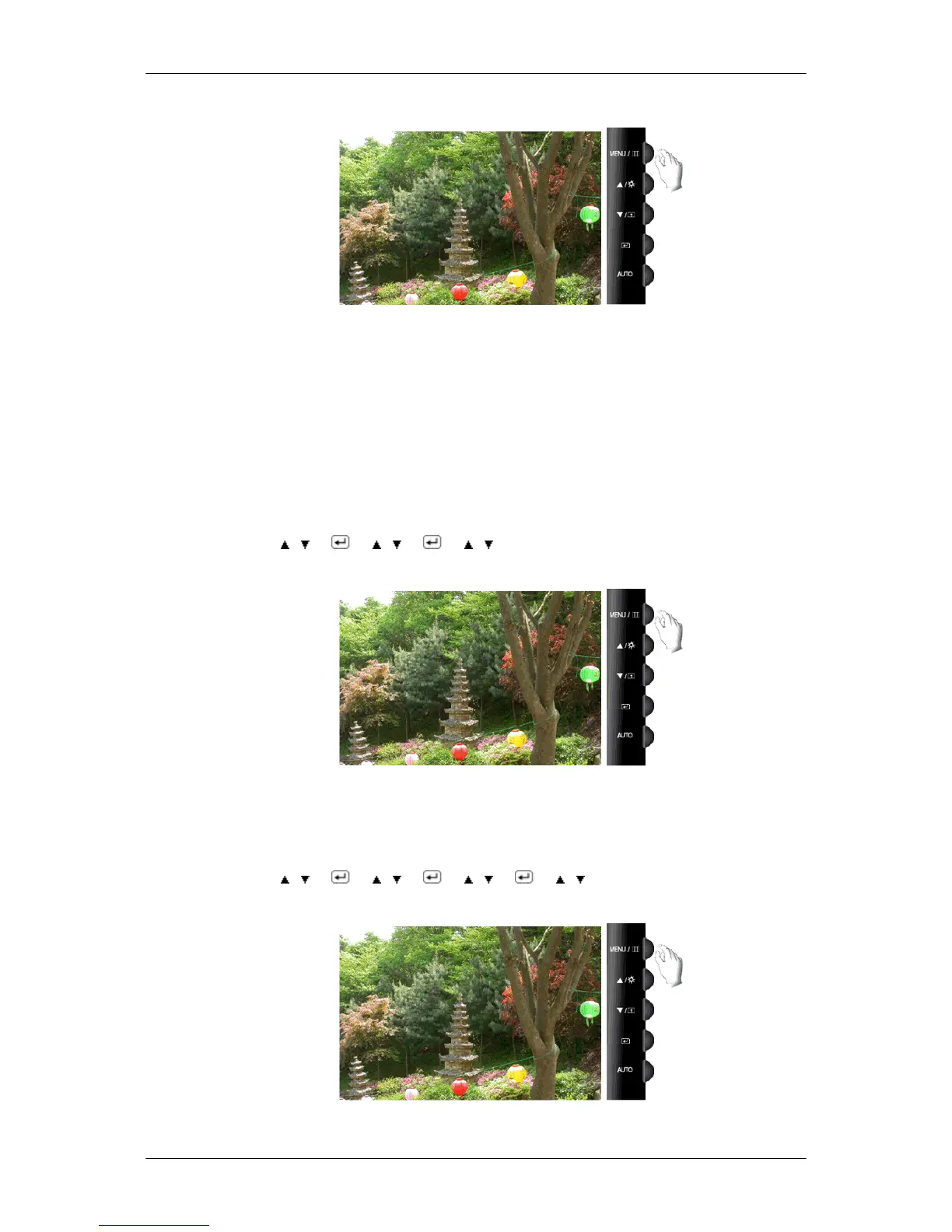
Color Tone
The tone of the color can be changed and one of four modes can be selected.
• Cool - Makes whites bluish.
• Normal - Keeps whites white.
• Warm - Makes whites reddish.
• Custom - Select this mode when you want to adjust the image according to your preferences.
( Not available in MagicColor mode of Full and Intelligent. )
MENU →
, → → , → → , → MENU
Color Control
Adjusts individual Red, Green, Blue color balance.
( Not available in MagicColor mode of Full and Intelligent. )
MENU → , → → , → → , → → , → MENU
Color Effect
Adjusting the Monitor
44









 To Next Page