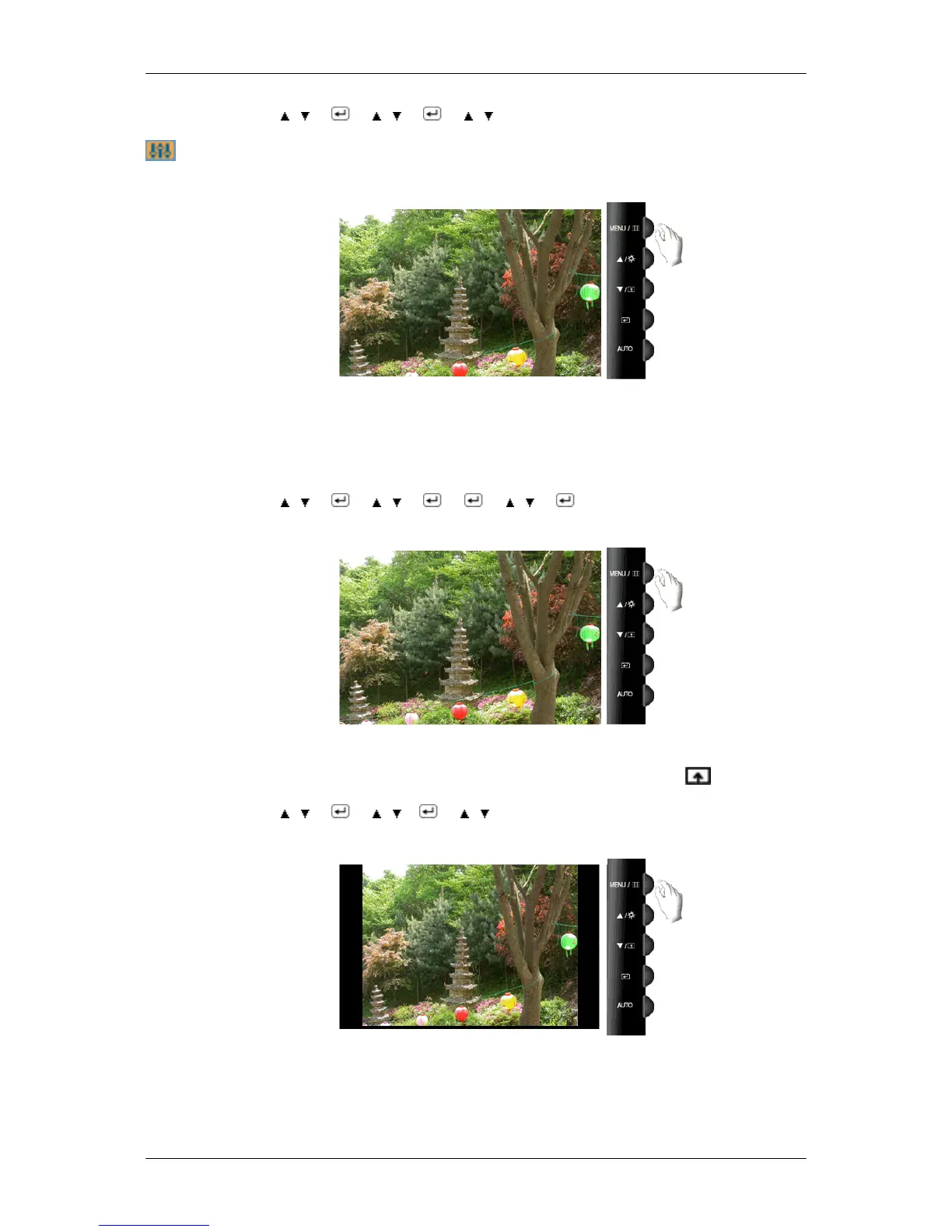
MENU → , → → , → → , → MENU
Setup
Reset
Reverts the product settings to factory defaults.
• No • Yes
MENU → , → → , → → → , →
Customized Key
You can specify a function which will be activated when the Customized Key ( ) is pressed.
MENU → , → → , → → , →MENU
Image Size
You can change the size of the screen displayed on your monitor.
• Auto - The screen is displayed in accordance with the screen aspect ratio of the input signals.
Adjusting the Monitor
49









 To Next Page