13
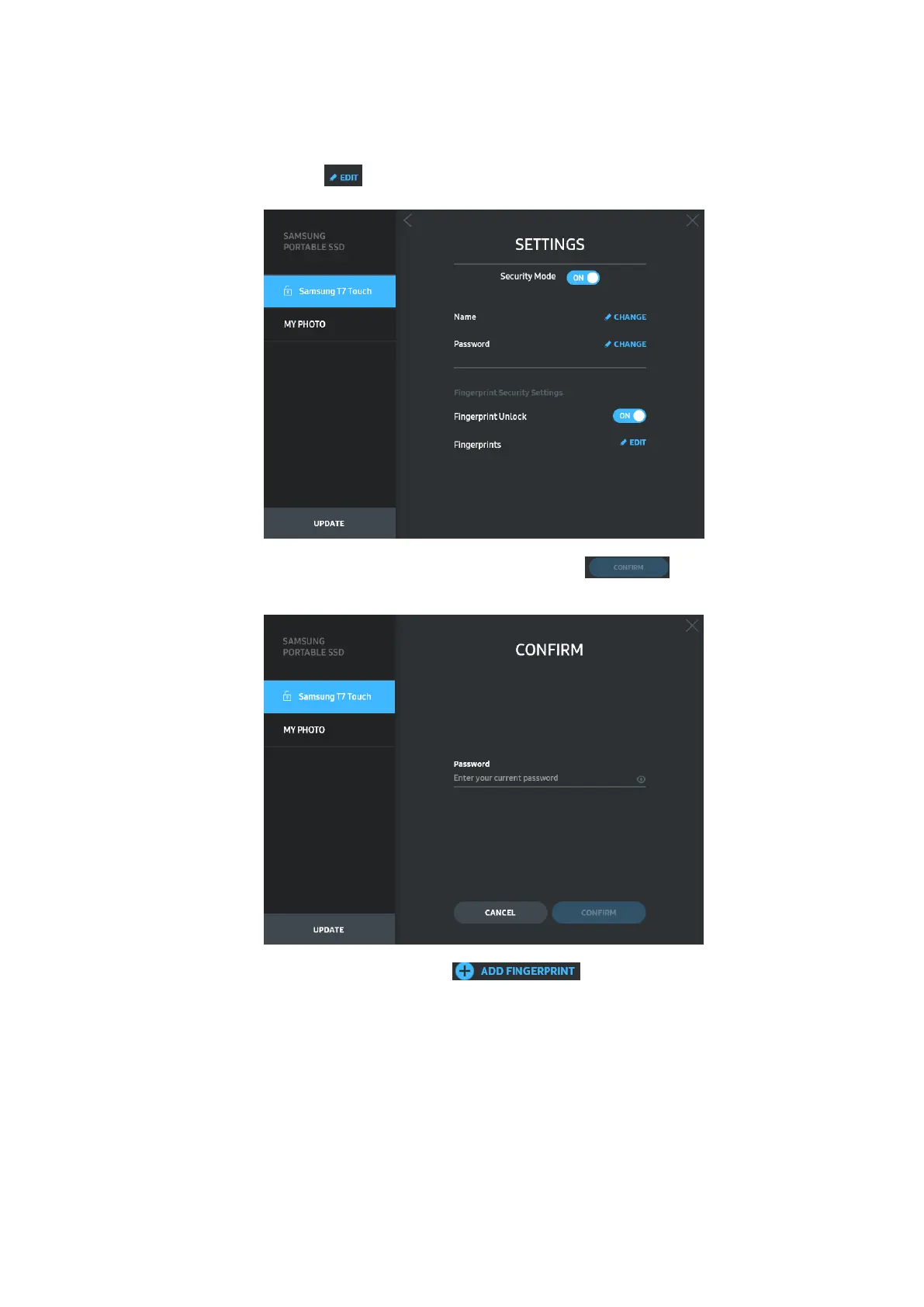
• Fingerprint security settings
If you’ve enabled fingerprint security mode, you can manage fingerprint settings by
clicking “EDIT” button ( ).
Enter the current password and click “CONFIRM” button ( ) to move to the
fingerprint management step.
By clicking “ADD FINGERPRINT” button ( ), you can add fingerprints.















 To Next Page