EasyManua.ls Logo

Samsung VP-D352 - Page 6

Samsung VP-D352
9 pages
Print Icon
To Next Page IconTo Next Page
To Previous Page IconTo Previous Page
Loading...
Getting to Know Your Camcorder
6
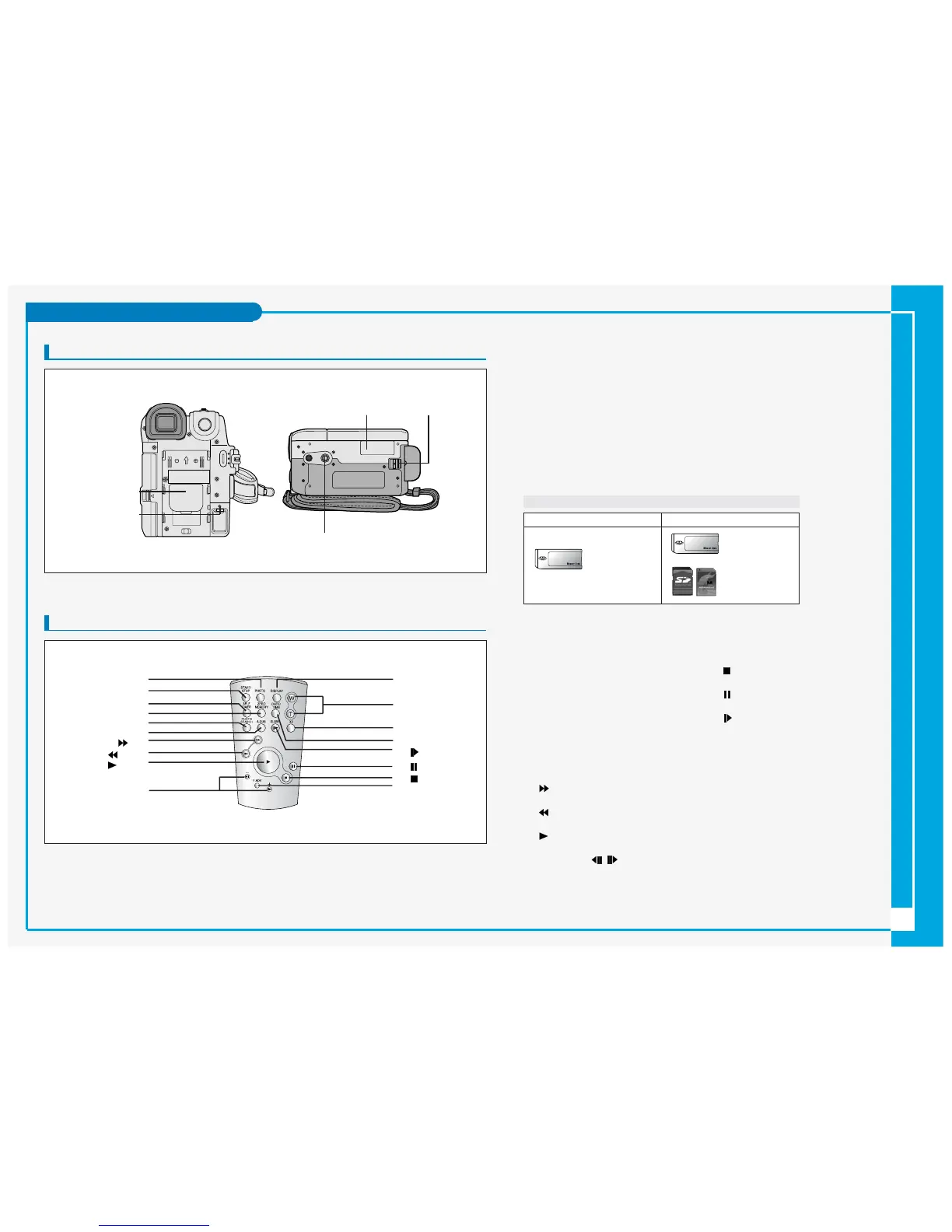
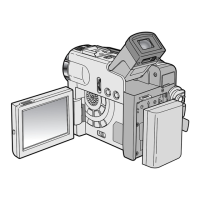
Rear & Bottom View
1. Lithium battery cover
2. Charging indicator
3. Memory card slot (VP-D353(i)/D354(i)/D355(i) only)
4. Battery release
5. Tripod receptacle
Remote Control
1.PHOTO
2.START/STOP
3.SELF TIMER
4.ZERO MEMORY
5.PHOTO SEARCH
6.A.DUB
7. (FF)
8. (REW)
9. (PLAY)
10. Direction ( / )
11. F. ADV
12. (STOP)
13. (STILL)
14. (SLOW)
15. DATE/TIME
16. X2
17. Zoom
18. DISPLAY
Memory Card slot (Usable Memory Card)
VP-D353(i) only
Memory Stick
Memory Stick PRO
VP-D354(i)/D355(i) only
Memory Stick
Memory Stick PRO
SD/MMC
5. Tripod receptacle
3. Memory card slot
(VP-D353(i)/D354(i)/D355(i) only)
1. Lithium battery cover
4. Battery release
2. Charging indicator
1. PHOTO
2. START/STOP
3. SELF TIMER
4. ZERO MEMORY
5. PHOTO SEARCH
6. A.DUB
7. (FF)
8. (REW)
9. (PLAY)
10. Direction
18. DISPLAY
17. Zoom
16. X2
15. DATE/TIME
14. (SLOW)
13. (STILL)
11. F. ADV
12. (STOP)