EasyManua.ls Logo

Samsung WAM7501 - User Manual

Samsung WAM7501
69 pages
Print Icon
To Next Page IconTo Next Page
Loading...
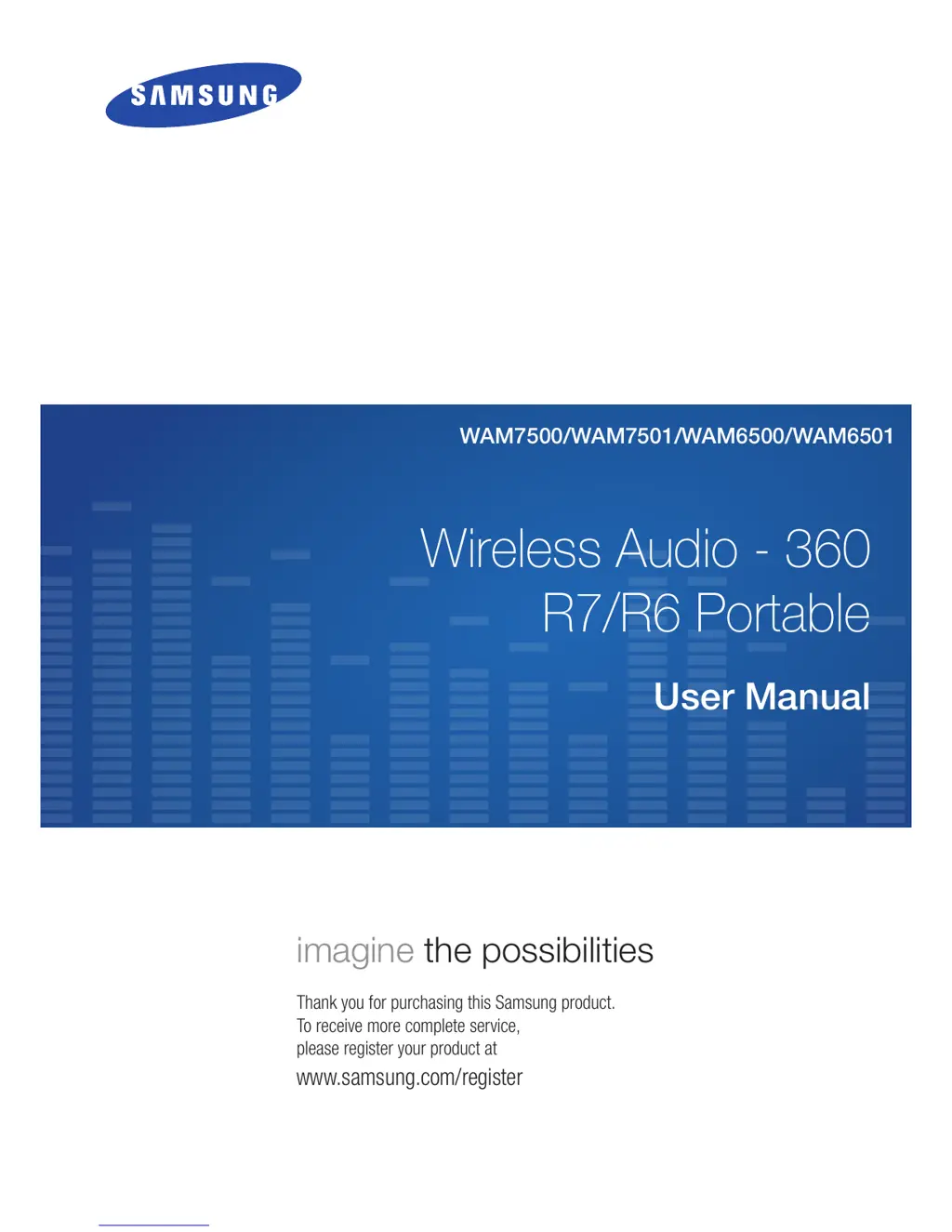
Wireless Audio - 360
R7/R6 Portable
WAM7500/WAM7501/WAM6500/WAM6501
User Manual
imagine the possibilities
Thank you for purchasing this Samsung product.
To receive more complete service,
please register your product at
www.samsung.com/register

Table of Contents

Questions and Answers

Summary

Getting Started

Accessories

Lists the included items provided with the speaker for initial setup.

Front Panel

Details the controls, buttons, and indicators on the front of the speaker.

Connecting to the Wi-Fi Network

Installing the Samsung Multiroom App

Provides instructions on how to download and install the required mobile application.

Connecting to Wi-Fi automatically (Android;iOS)

Details the automatic process for connecting the speaker to a Wi-Fi network.

Connecting to Wi-Fi manually (Android)

Provides manual steps for connecting the speaker to Wi-Fi on Android devices.

Connecting to Wi-Fi manually (iOS)

Provides manual steps for connecting the speaker to Wi-Fi on iOS devices.

Connecting with a HUB (Not Included)

Adding additional speaker(s)

Details how to connect more WAM speakers to an existing network.

Connect with Bluetooth Function

Connecting to Bluetooth Devices

Guides on pairing the speaker with Bluetooth-enabled devices.

Using the Samsung Multiroom App

Playing Music

Instructions on how to play music files stored on your smart device.

Listening to streaming music

Details on accessing and playing music from various online streaming services.

Listening to Internet radio

Guides on how to tune into and play Internet radio stations.

Connecting TV to the speaker

Guides on connecting the speaker to a TV for audio playback.

Connecting to TV via bluetooth (TV SoundConnect)

Connects your TV to the speaker wirelessly using Bluetooth for audio.

Connecting to TV via Wi-Fi

Connects your TV to the speaker using the Wi-Fi network for audio.

Using the Settings Menu

Connecting Multiples Products

Setting Groups

Group multiple speakers for synchronized playback of the same music.

Configuring the Surround Sound Mode

Configuring Surround Sound

Set up and adjust surround sound effects for multiple speakers.

Using Miscellaneous Functions

Appendix

Troubleshooting

Provides solutions for common operational problems and issues.

Regulatory Compliance Statements

Important Safety Instructions

General guidelines for safe product use and handling.

LIMITED WARRANTY TO ORIGINAL PURCHASER

Samsung WAM7501 Specifications

General IconGeneral
Product TypeMedia Player
Model NumberWAM7501
BrandSamsung
ConnectivityWi-Fi, Bluetooth
Dimensions210 x 210 x 100 mm
Weight1.5 kg
Audio Formats SupportedAAC, MP3, WAV, WMA, FLAC
Multiroom CompatibilityYes
Streaming ServicesSpotify, Deezer

Related product manuals