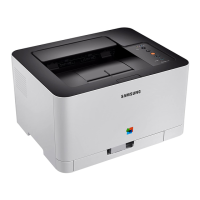
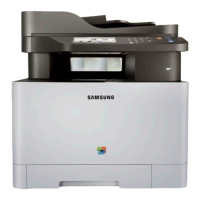
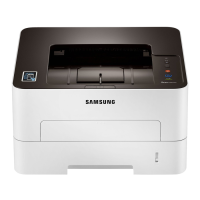
Control panel overview
21
1. Introduction
4
(Cancel)
You can stop an operation at any time. You also can do the
following functions.
• Configuration sheet
- Press and hold this button for about 2 seconds until the
green LED blinks slowly, and release.
• Prints event log report / usage counter
- Press and hold this button for about 4 seconds until the
green LED blinks quickly, and release.
• Prints supplies info report
- Press and hold this button for about 6 seconds until the
green LED on, and release.
5
(Power/
Wake Up)
You can turn the power off or wake the machine up from the sleep
mode with this button.
6
(Status
LED)
Shows the status of your machine (see "Status LED" on page 63).
a. C43xW series only.
b. C43x series only.


 To Next Page
 Loading...