Basics
33
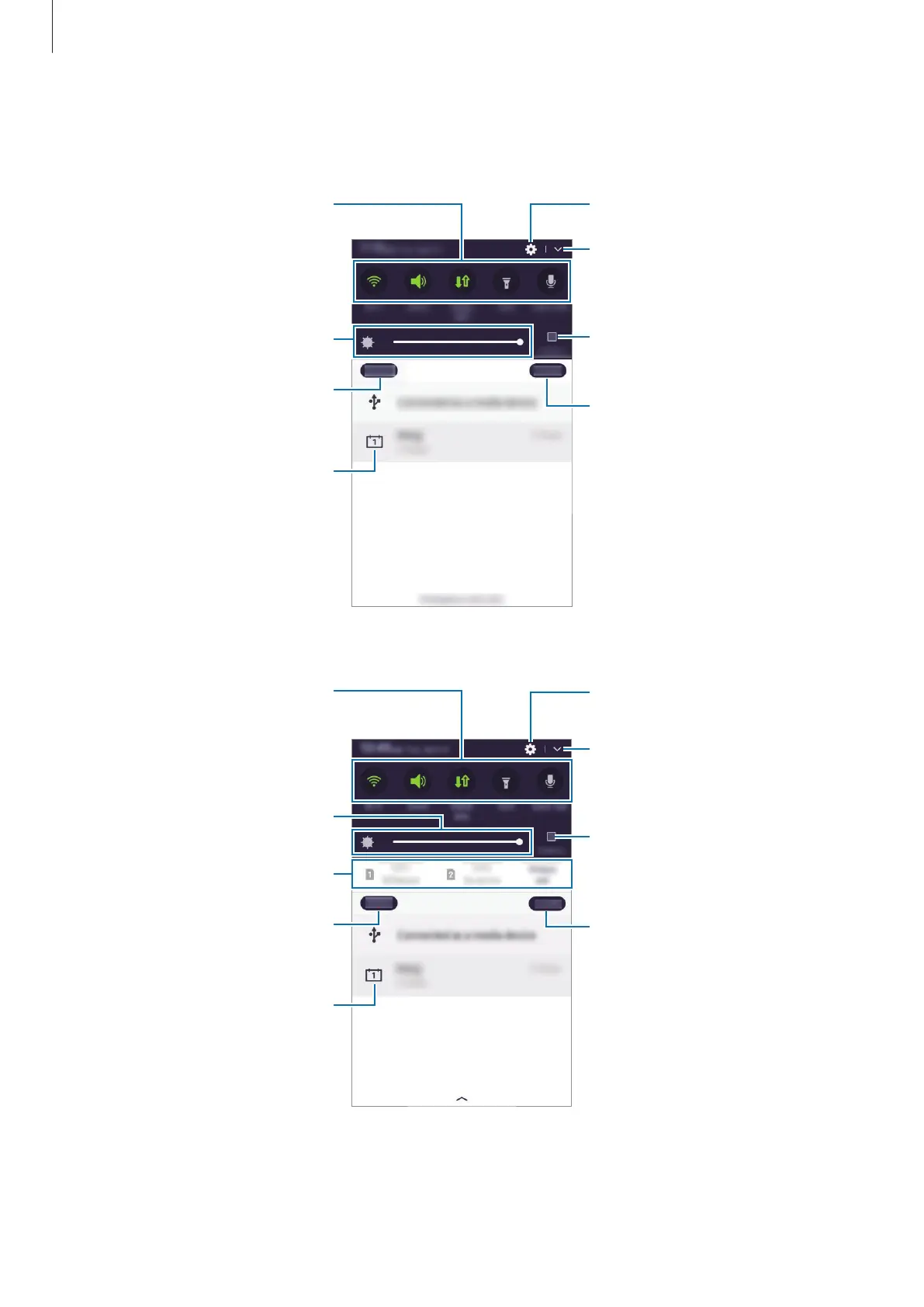
You can use the following functions on the notification panel.
►
Single SIM models:
Launch
.
Tap a notification and perform
various actions.
Clear all notifications.
Maximise brightness for better
visibility in bright conditions.
Adjust the brightness.
View more quick setting buttons.
Block notifications from apps.
►
Dual SIM models:
Launch Settings.
Tap a notification and perform
various actions.
Clear all notifications.
Maximise brightness for better
visibility in bright conditions.
Select a SIM or USIM card.
Adjust the brightness.
View more quick setting buttons.
Block notifications from apps.











 To Next Page