Basics
34
Using quick setting buttons
Tap quick setting buttons to activate some features. Tap to view more buttons. To view
more detailed settings, tap and hold a button.
To rearrange buttons, tap
→
EDIT
, tap and hold a button, and then drag it to another
location.
Quick Talk
Perform various tasks quickly by saying simple commands.
1
Open the notification panel and tap
Quick Talk
.
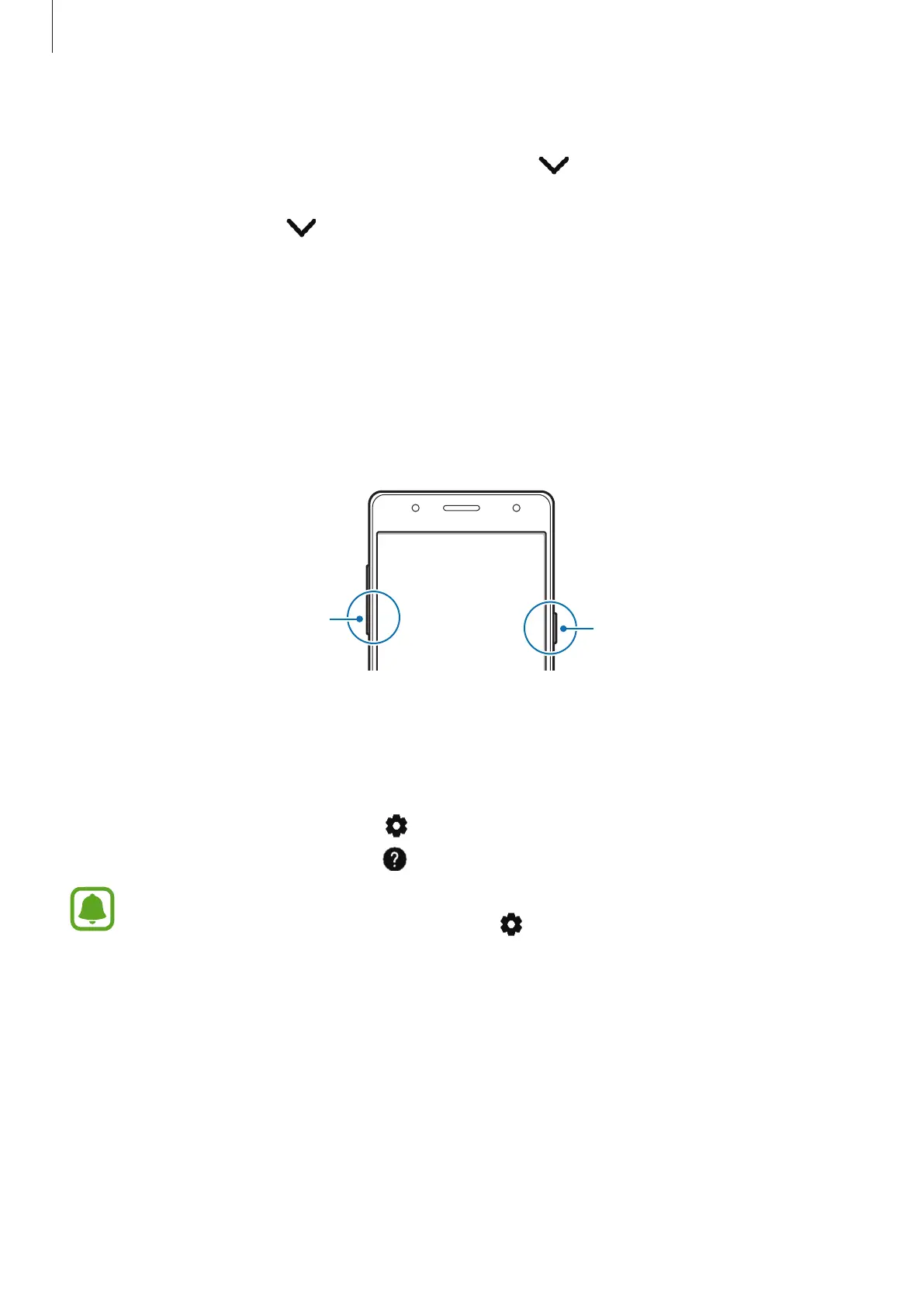
Alternatively, press and hold the Power key and the Volume Down key simultaneously.
Power key
Volume Down key
2
Say a voice command or tap a command on the screen.
•
To add your favourite contacts, tap
Tap here to add up to 3 favourite contacts
and
select a contact.
•
To customise the settings, tap .
•
To view help information, tap .
You can make calls by activating
Quick Talk
and saying “Call (number 1, 2, or 3)” while
the screen is locked. To use this feature, tap
and tap the
Make calls from Lock
screen
switch to activate it.











 To Next Page