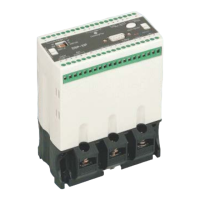
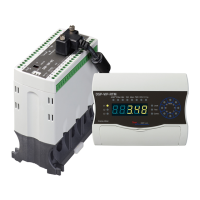
Digital Motor Protection Realy
DSP-C Series
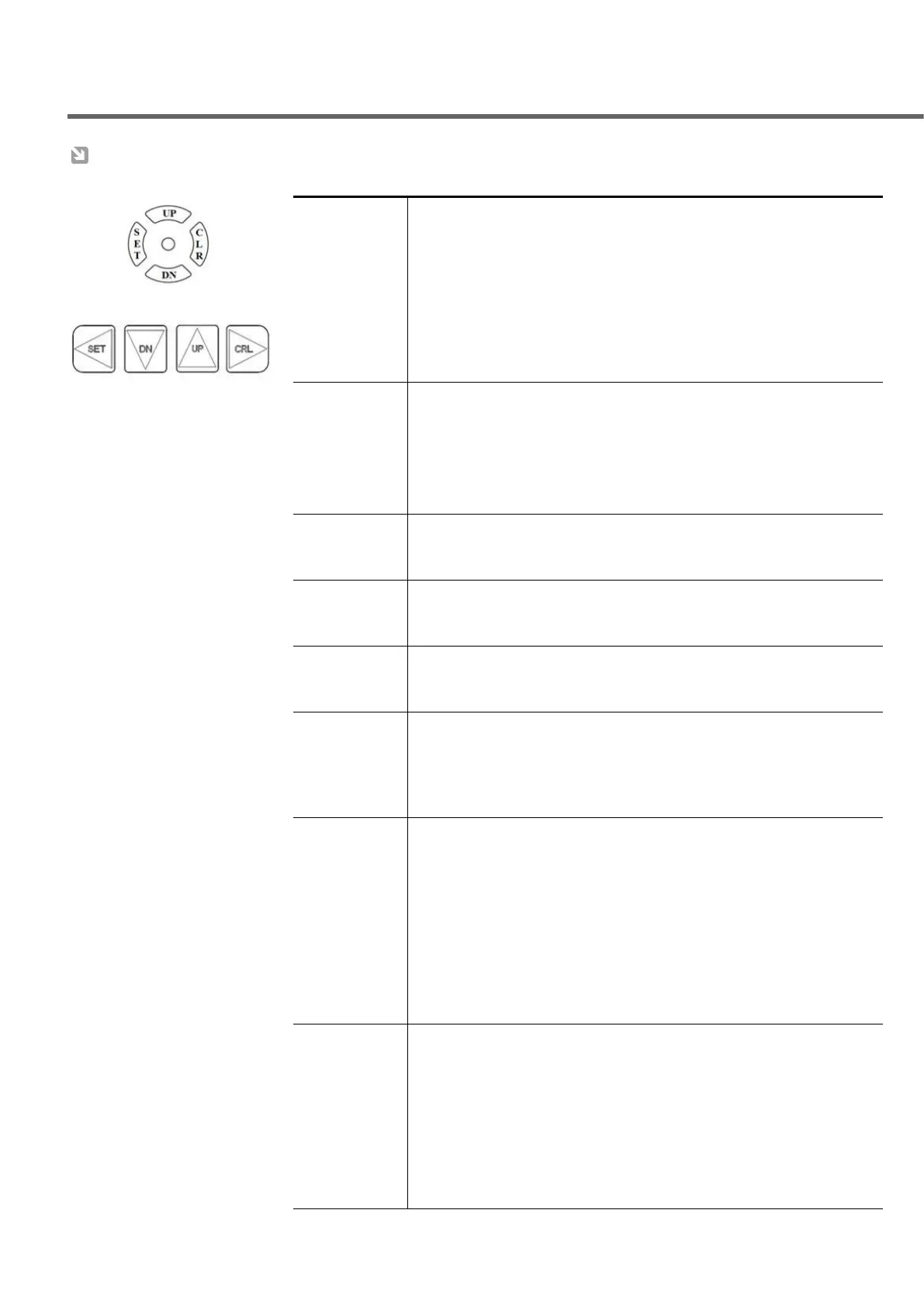
* Press "SET" Key to enter into setting mode, then "P0000"
(factory default password) is shown
* Move cursor from first digit to right end digit by pressing "CLR"key to
input password, like this manner make required digit by using "UP","DN"
key if it is customer's number , finally press once more,
then operator meets possible state for preset a number or character of mode.
* If there is no input for 15sec or pressing both "SET" and "CLR"key, it can
be entered into operating condition.
2. Changed
feature
of Setting Key
* After entering into posible state for preset , each key acts its job
as follows : SET---> backward direction, CLR--->foward direction,
UP.DN--->able to select number or character in preset mode.
* The previous mode based on setting mode is come out as pressing "SET"
key during doing a prest job
3. "SET" Key &
"CLR" Key/to
select MODE
* Possible to select Mode by using "SET" or "CLR" key
4. "UP" key &
"DN" Key/
Adjust
* Possible to preset required value as selection a character or number by using
UP/DOWN
* The storage for preset data is completed by pressing both SET and CLR key
in the same time
* While each factor is rotated, one of rotated factor is fixed by pressing
"CLR" key
* After fixing a operating factor, the operator is able to rotate manual one by
one as pressing "UP"(forwardly), "DN"(reversely)
to check and/
or to change
preset value
of each mode
during the
operation
*Possible to check a value and a mode as pressing "SET" key once during
the operation
•preset value and mode are appeared alternatively
•next mode as pressing “CLR” Key or previous mode as pressing “SET” key
*Possible to change a preset value after entering into checking state if
the preset value of “OPSET” mode belonged to “CAB” mode group is “ON”/
factory default value is “OFF”
*Return to operating mode as pressing both “SET” and "CLR" key in the
same time or waiting for
*to check if this relay is ready to work normally or not.
*"tESt" is appeared in case the operator presses test sw on the converter
or "CLR" key for 3 sec or more, then release pressed test sw or "CLR" key
*main trip(95-96-98) & aux trip(05-06-08) output will be trip after
counting down preset o-time(definite T-I)
*In case of display meter type, LED on the converter is flickering after a trip
*After making trip, press "CLR" key for the reset action


 To Next Page
 Loading...