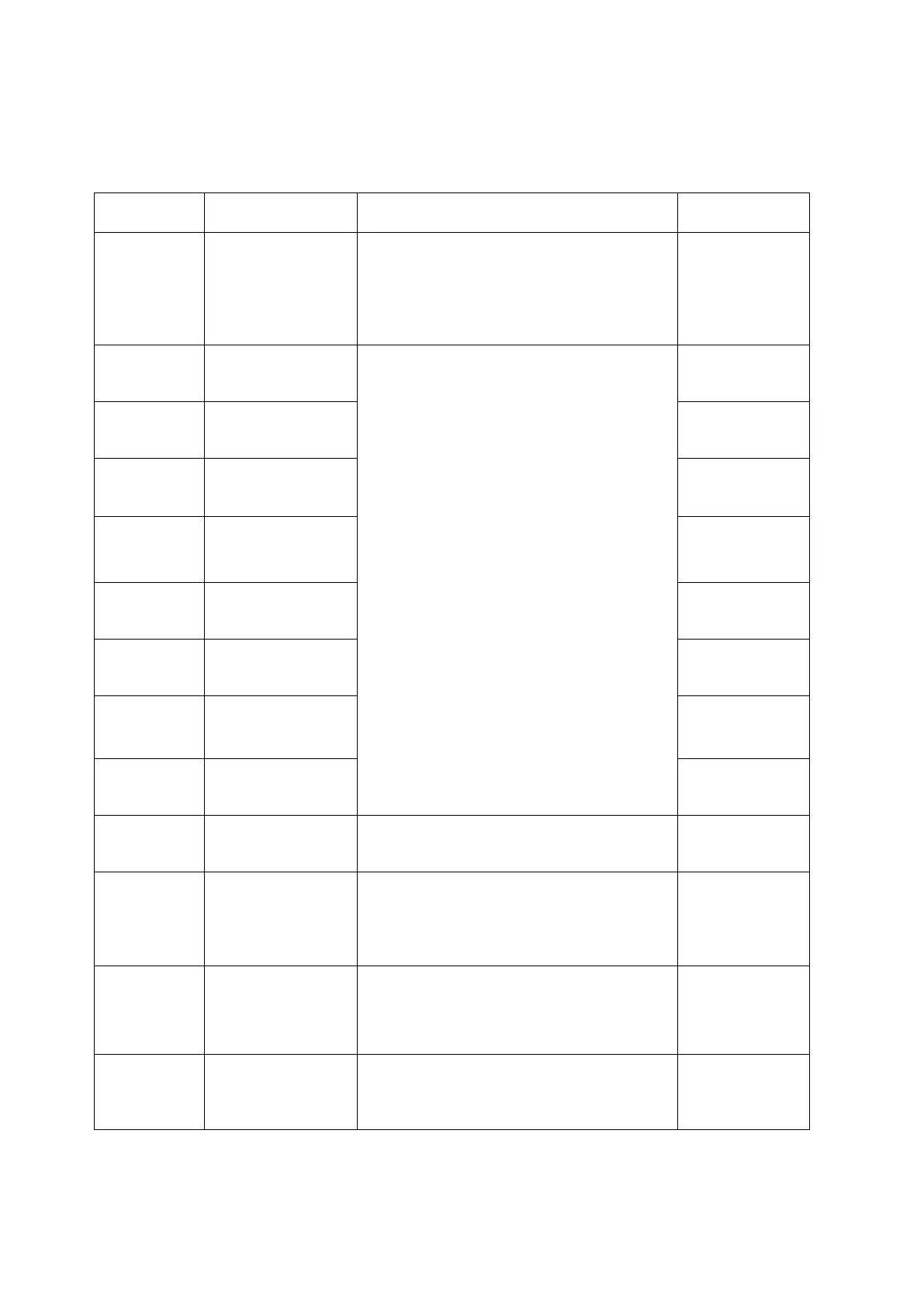
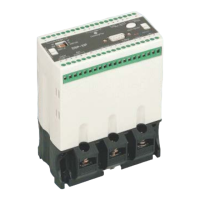
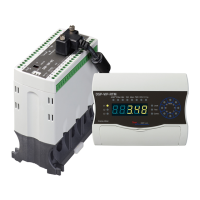
13-3.Cab Mode
This mode is appeared as pressing "SET" key for 5 sec or more and is disappeared as pressing
"SET" key shortly once more, also it is not recommened that user makes a calibration without
checking by accurate source
P0000
*need to input factory value "0000" to enter
into this mode group
*to calibrate slight difference between
indication and actual value within +,-12.7%
*next mode by pressing right direction key
CrPEr
caribration for
*possible to adjust within +, - 12.7% from
indicated value by using "UP" or "DN" key
CsPEr
caribration for
CtPEr
caribration for
vrPEr
caribration for
phase "R" voltage
vsPEr
caribration for
vtPEr
caribration for
EcPEr
caribration for
ground fault current
tEPEr
caribration for
tranS/OFF/
d-Ear
pattern of
*OFF: to indicate line voltage:v1,v2,v3
*d-Ear:to indicate average voltage
PEdIt/setting
Value(P****)
*possible to enter new digit by using "UP" or
"DN" key after positioning a curser on the
required digit
*possible to enter into main mode or sub
mode as pressing "mode" key
vUb/OFF/
setting value
to preset voltage
unbalance
protection rate(%)
*trip in case preset rate condition is kept on
preset time or more
*rate:[(Max V-Min V)/Max V]*100 [%]
*adjustable range:2%~40%
v-uT/
setting value
trip delay time for
voltage unbalance
*to preset a operating trip time for voltage
unbalance
*Adjustable range: 0.5~10 sec



 To Next Page