CWFL-800/1000/1500 Series
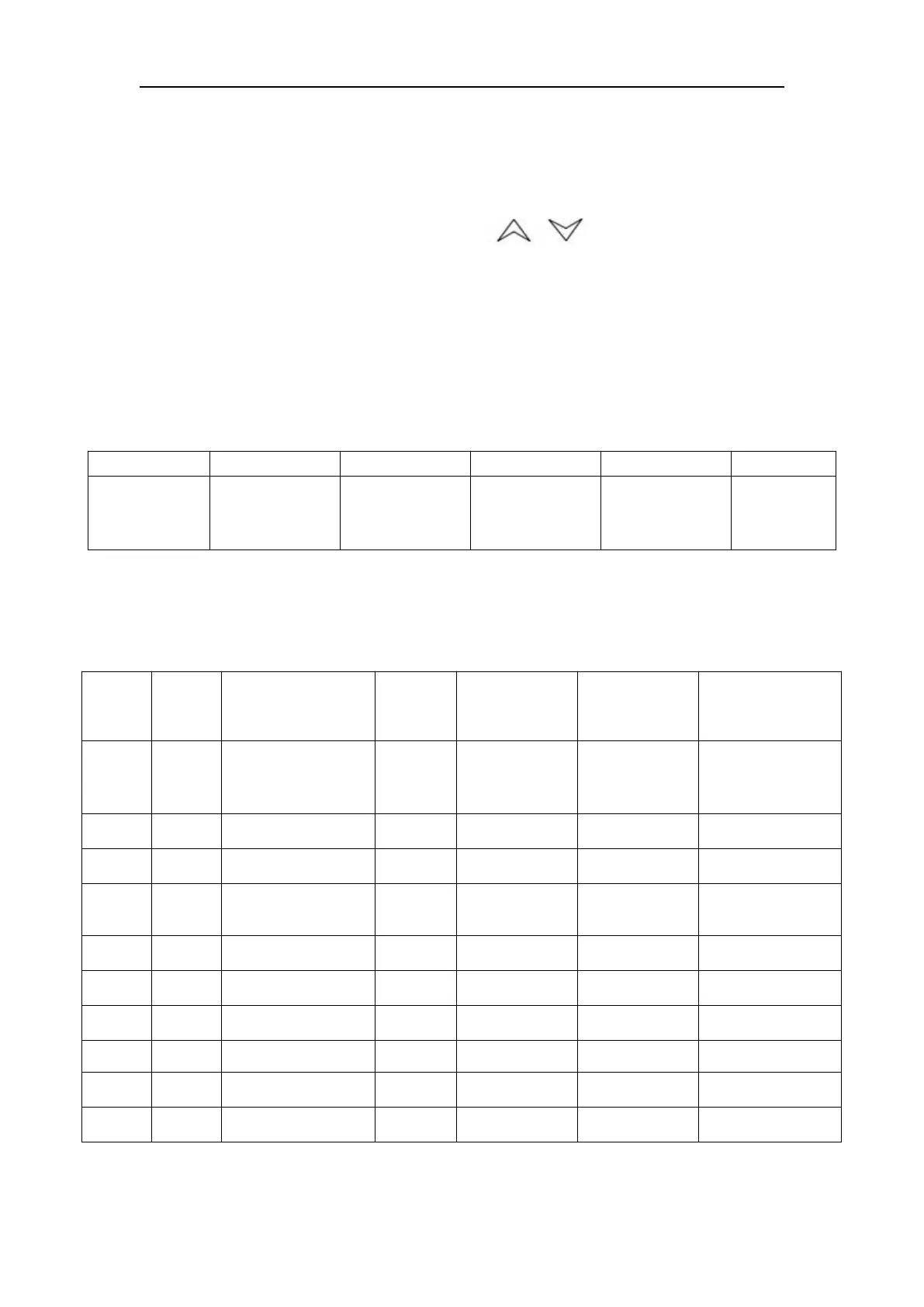
(4). RST key: confirm
(5). SET key: setting function
2. Restore to factory settings
Before machine startup, press and hold keys until the controller
displays rE, 6 seconds later after releasing the keys, the controller works in
normal order. All parameters values settings of the controller have been
restored to factory settings.
3. Alarm function
(1) Alarm Display:
When alarm occurs, the error code and the temperature will be alternately
displayed.
Ultrahigh
water
temperature
Room
temperature
sensor failure
Water
temperature
sensor failure
(2) To suspend the alarm:
In alarming state, the alarm sound could be suspended by pressing any button,
but the alarm display remains until the alarm condition is eliminated.
4. Temperature controller parameters list
T-506
Temperature
controller
Factory Setting
T-506H
Temperature
controller
Factory Setting
Constant
temperature
control effecting
Temperature
Difference values
Intelligent control
effecting
1: intelligent
0: constant
temperature
Alarm for ultrahigh
water temperature
Alarm for ultralow
water temperature
Alarm for ultrahigh
room temperature
The allowed highest
water temperature
The allowed lowest
water temperature


 To Next Page