7-8 ENSTROM 480B RFM SUPPLEMENT
Report No. 28-AC-049 May 8/12
7-7. Compass Rose View
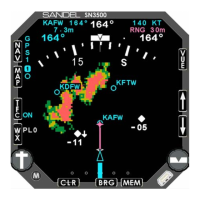
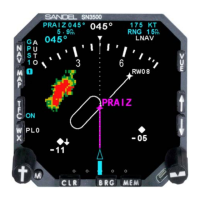
1. Press VUE to switch between the 360-degree full
view and 70-degree arc views.
7-8. Display Brightness
To increase the display brightness, press and hold the
CLR button to steadily increase the display brightness.
Increasing or decreasing the display brightness or button
backlight brightness is also controlled through the menu
as follows:
1. Press M to activate the menu mode.
2. Rotate the left knob until BRT (for display
brightness) or BTN (for button brightness) is highlighted.
3. Turn the right knob to increase or decrease the
brightness to the desired level.
3. Press M to exit the menu and return to normal
operation.
7-9. Flags and Abnormal Conditions
Abnormal conditions or flags may be associated with a
failed navigation receiver or failed AHRS and are
accompanied by a failed equipment message.
1. To access the message flags:
a. Press and hold the M button until the message
display appears. A list of both current and prior
messages (if applicable) will display.
b. Press M to exit the message display.
c. Press and hold the M button again to show only the
current messages.
d. Press M to exit the message display.
This electronic document is not linked to a subscription for revision control or distribution. Refer to the Optional Equipment
Supplement Publications Status link under the Technical Support Page of the Enstrom Helicopter website for the current revision
level of this Rotorcraft Flight Manual Supplement.
UNCONTROLLED COPY WHEN DOWNLOADED OR PRINTED


 To Next Page