V21 Parts & Service Manual
All V21 Identified Equipment
REV A – 10/2013
P/N: 1230247
V21 General Information | G-5
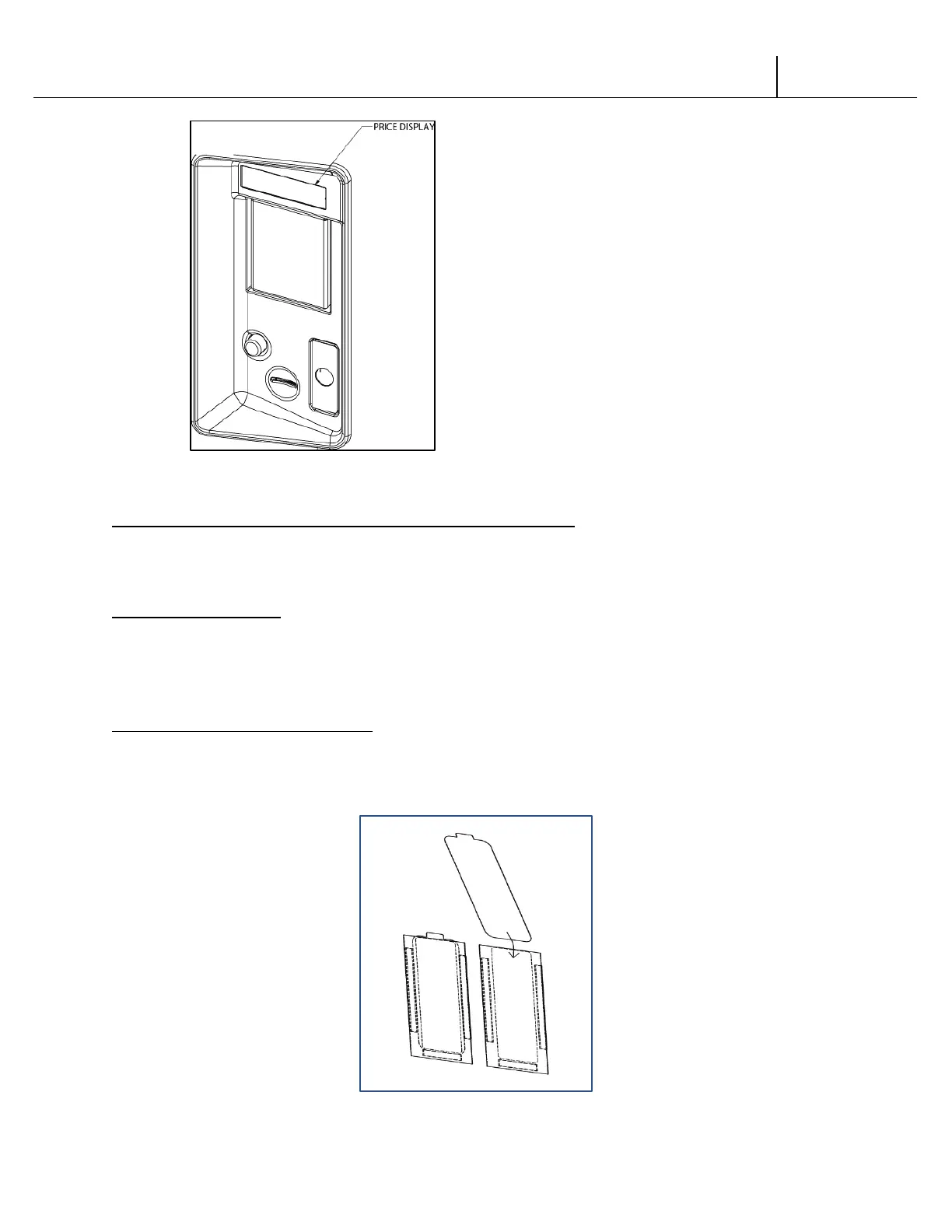
Figure 2
LABEL INSTALLATION CHAMELEON
COIN INSTRUCTION LABEL & PRICE LABEL APPLICATION:
Apply labels to a clean and dry surface. Peel backing from label and apply with firm, even
pressure.
INSTRUCTION LABEL
(Refer to Figure 2 for the following information.)
The coin insert shows the validator opening built into the coin insert. Apply instruction label to
area shown (as needed by the vendor).
FLAVOR LABELS INSTALLATION:
As shown in Figure 3, insert flavor labels to the top of selection window. Rear views of windows
and buttons are shown in Figure 3. Arrows point the direction to insert labels.
Selection window and selection button labels identify product contained in columns.
Figure 3



 To Next Page