V21 Parts & Service Manual
All V21 Identified Equipment
REV A – 10/2013
P/N: 1230247
V21 General Information | G-7
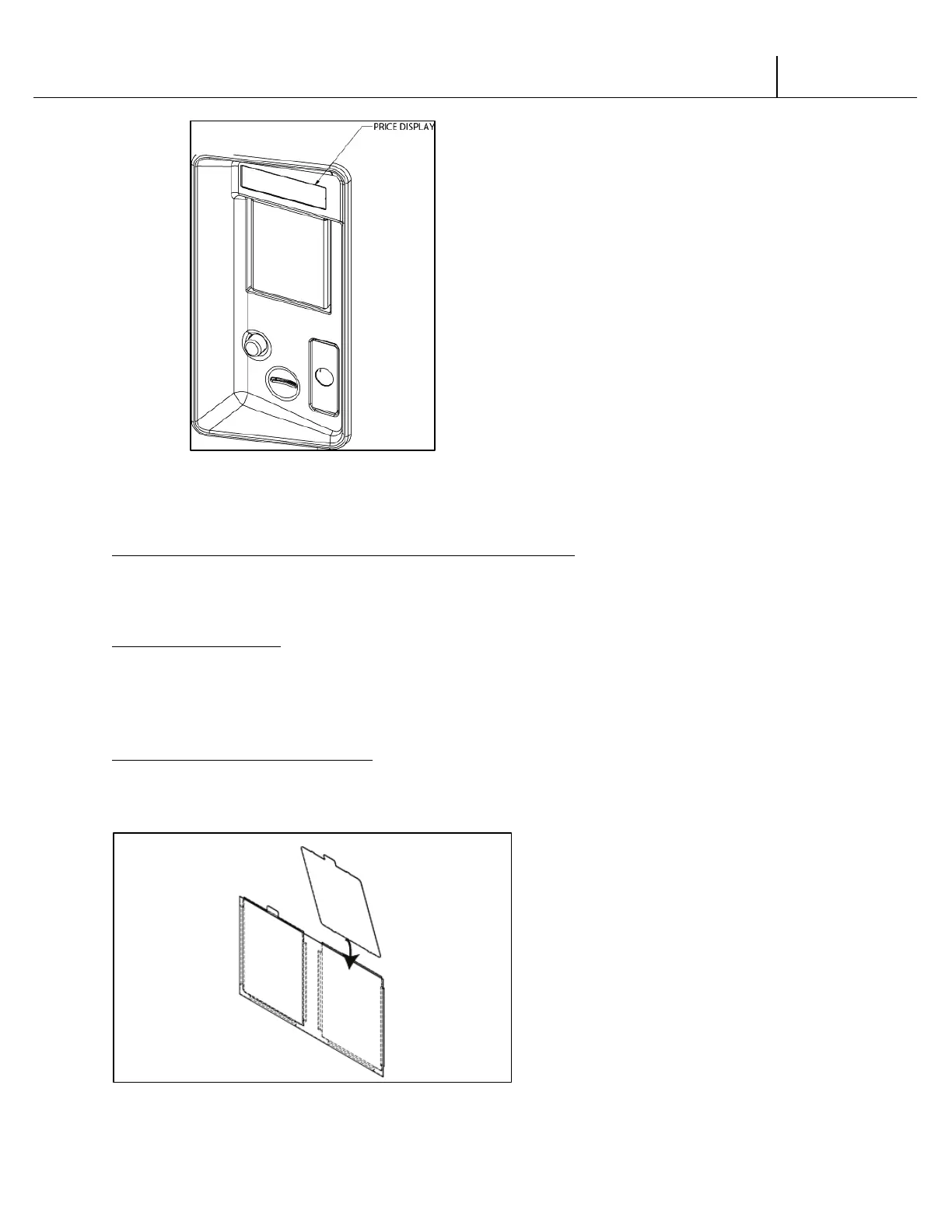
Figure 7
LABEL INSTALLATION HV3
COIN INSTRUCTION LABEL & PRICE LABEL APPLICATION:
Apply labels to a clean and dry surface. Peel backing from label and apply with firm, even
pressure.
INSTRUCTION LABEL
(Refer to Figure 7 for the following information.)
The coin insert shows the validator opening built into the coin insert. Apply instruction label to
area shown (as needed by the vendor).
FLAVOR LABELS INSTALLATION:
As shown in Figure 8, insert flavor labels to the top of selection window. Arrows point the
direction to insert labels. Selection window labels identify product contained in columns.
Figure 8



 To Next Page