V21 Parts & Service Manual
All V21 Identified Equipment
REV A – 10/2013
P/N: 1230298
* The learning mode uses self-adaptive logic to “learn” what the depth setting of the column is,
in the event that the control board depth setting isn’t programmed properly.
* Available in version 33 and above
SET-UP AND CODE DESCRIPTION (CONTINUED)
StS Space-to-Sales Setting Mode
If selection button two is pressed at the “StS” prompt, the controller will enter the Space-to-
Sales option. Upon entry into this setting the display will show the current option setting.
Pressing selection button one will scroll through the various space to sales options as listed
below. Pressing selection button two will change the current option and selection button three
will save the desired option. For proper configuration settings refer to the label located on
the inner door shear panel (See figure 3.)
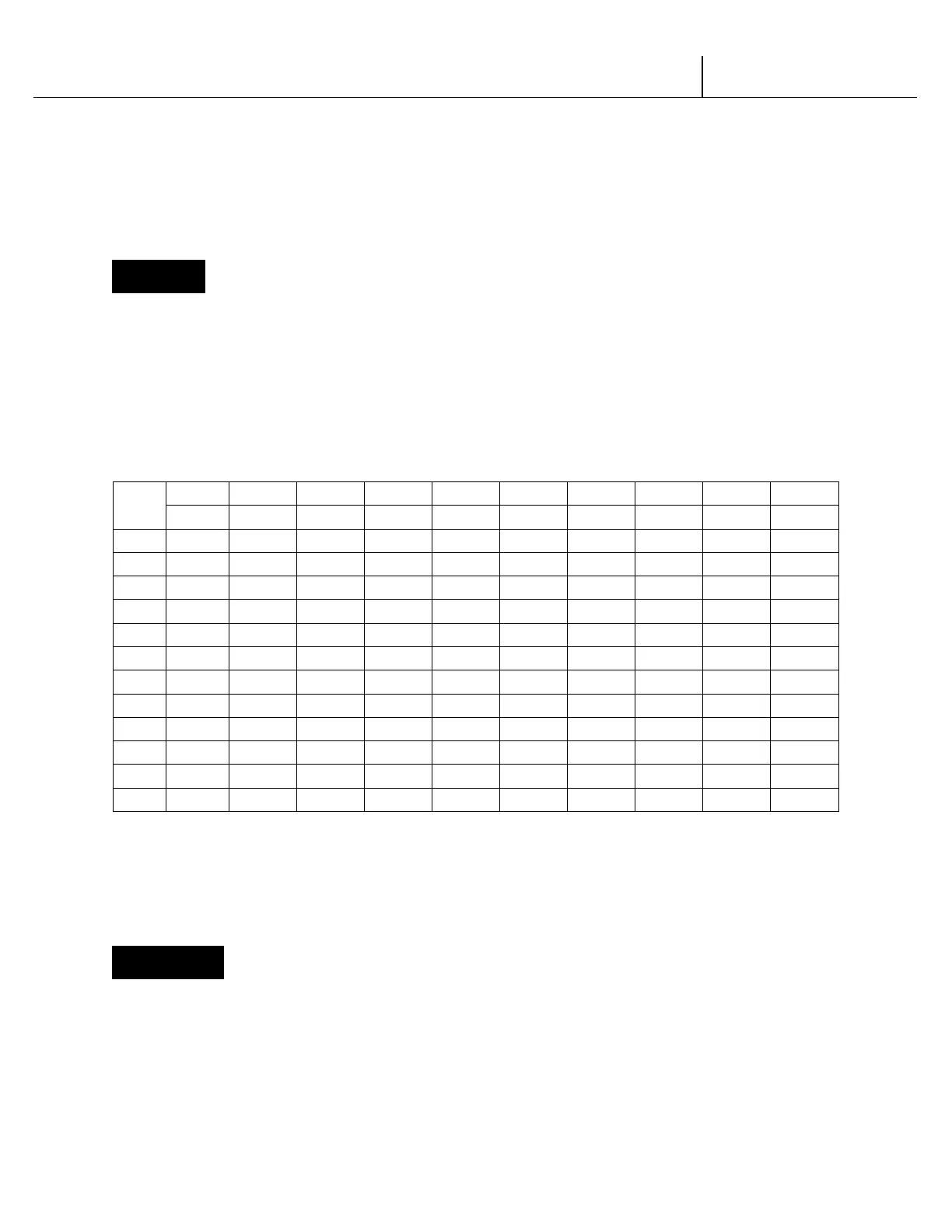
SPACE-TO-SALES CONFIGURATIONS
SEL#
FIGURE 3
*Where available
Note: If none of the space-to-sales configurations are suitable, the operator can use the Custom
Space-to-Sales Setting Mode.
CStS Custom Space-to-Sales Setting Mode
If selection button two is pressed at the “CStS” prompt, the controller will enter the Custom
Space-to-Sales option. Upon entry into this setting the display will show the current selection
setting followed by the columns connected to that selection button.
Programming Connection Option
V21
12.1 Programming Trade | P3-9



 To Next Page
 Loading...
