8
Pairing the Keyboard
You must have a Bluetooth-enabled device to work with this unit.
1. Switch the keyboard on.
2. Press the Fn +
buttons to enter the pairing mode and the Power
indicator will ash in blue.
3. Activate the Bluetooth feature on your Bluetooth device and start
searching. Then select “SKBWHBT19”.
4. The Power indicator will ash in blue rapidly for few seconds after you
have successfully paired the unit.
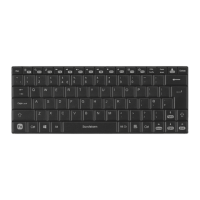
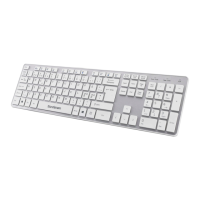
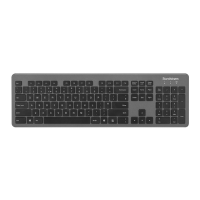
To select a suitable keyboard type for your device, press the Fn + Q / W / E
buttons to select Android / PC / iOS mode respectively.
Selecting Dierent Mode
• The unit will exit pairing mode if no Bluetooth device is paired
around 10 minutes.
• If the unit are already paired with a Bluetooth device before,
it will automatically connect with the last paired device when
both are in pairing mode.


 To Next Page
 Loading...