04
GB
E
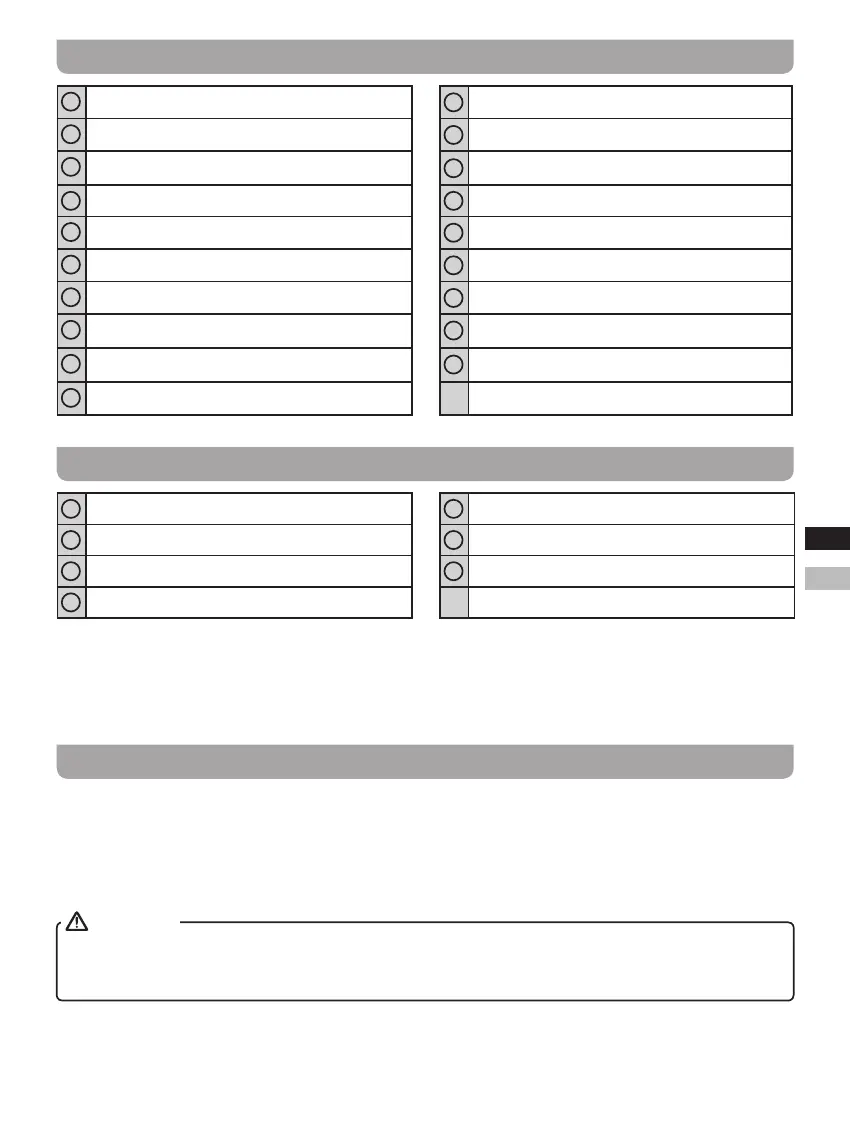
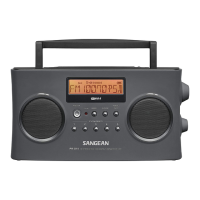
Controls
1
Speaker
11
Band button
2
Low battery indicator
12
Handle
3
LCD display
13
Preset buttons
4
Power button
14
DC IN socket
5
Tuning / Time setting knob / Seek button
15
Headphone socket
6
Volume knob
16
AUX IN socket
7
CT (Clock Time) / Display button
17
FM Stereo / Mono switch
8
Sleep button
18
Telescopic antenna
9
Alarm button
19
Battery compartment
10
Menu button
LCD Display
A
Battery power
E
Time set
B
Stereo display
F
Alarm display
C
RDS display
G
Frequency / Time display
D
Sleep display
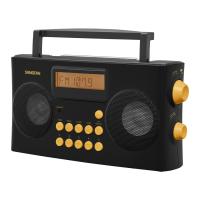
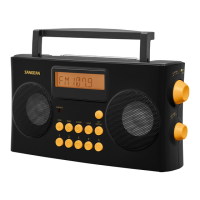
This radio features helpful voice prompts of all controls that announce functions in English or Spanish for
visually impaired users.
It has high contrast large yellow controls and preset buttons with raised symbols to aid in identication along
with large rotary tuning and volume control knobs.
Battery operation
1.
Open the battery cover on the rear of the unit by pushing the latch downward.
2.
Insert 6 x UM-2 (C size) batteries into the battery compartment. Make sure all batteries are inserted with correct
polarity as shown in the battery compartment. Close the battery cover.
3.
Reduced power, distortion and a stuttering sound or the low battery LED indicator is red are all signs that the
batteries need replacing. If the radio is not to be used for an extended period of time, it is recommended that the
batteries be removed from the radio.
IMPORTANT
Batteries should not be exposed to excessive heat such as direct sunlight, re or the like. After use, disposable
batteries should be taken to a suitable recycling center. On no account should batteries be disposed of by
incineration. Do not leave batteries within reach of young children. They can be a choking hazard.


 To Next Page