12
GB
Setting up AM tuning step increment
1. If the radio is in standby mode, make sure to follow the step 1-2
above to enter software version.
2. While the software version is shown on the screen, press the Tuning
up/down button to select AM step setting option (i.e. 9 or 10).
3. Press the Display button to enter the setting and current AM step
setting will ash on the display.
4. Press the Tuning up/down button to select your requested option.
Then press the Display button to conrm your selection.
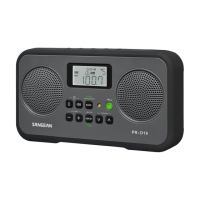
Clock setting
1. Make sure the radio is powered off.
2. Press and hold the clock set button until the radio beeps once and
the hour digits of time setting begins to ash.
3. Press the Tuning Up/Down button to adjust the hour setting as
required. Then press the clock set button to confirm the hour
setting. Now the minute digit of the setting will ash on the display.
4. Press the Tuning up/down button to adjust the minute setting as
required. Then press the clock set button to conrm the setting.
Your radio clock is now set.


 To Next Page
 Loading...