PLEASE RETAIN
We suggest you record the model, type and serial
numbers below. They are located on the silver rating
plate on your cleaner. For prompt and complete
service information, always refer to these numbers
when inquiring about service.
Model & Type
Serial No.
It is also important to keep your receipt as proof of
date of purchase.
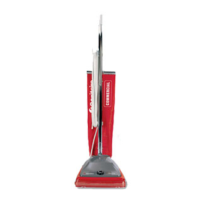
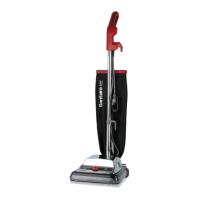
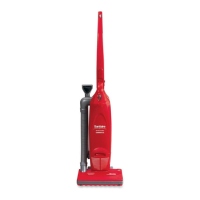
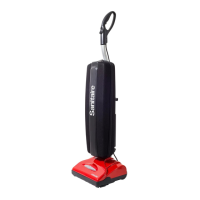
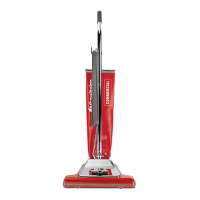
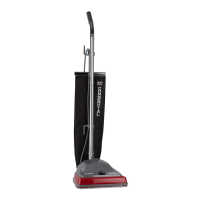
Commercial
Vacuum Cleaner
Ownerʼs Guide
SC5700/5800 Series
IMPORTANT
Do not return this product to the
store. Call 1-800-800-8975*
or visit our web site,
www.sanitairevac.com
for any of the following:
• assembly problems
• replacement of broken or missing
items
• to order replacement parts and
accessories
• to view the repair parts list
• to locate the nearest Sanitaire
Warranty Station
*En Mexico llame al (55) 5343-4384
www.sanitairevac.com
Index
Important Information ................................ 2-4
Warranty ....................................................... 4
Quick Reference .......................................... 5
Use ............................................................ 6-7
Accessories .................................................. 7
Dust Bag ...................................................... 8
Filter ............................................................. 9
Brush Roll .................................................. 10
Brush Roll Belt ........................................... 10
How to Remove Blockages .........................11
Part No. 74957_Rev1 (11/04) ©2004 Electrolux Home Care Products Ltd. Printed in U.S.A.

 Need help?
 General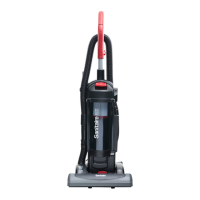


 To Next Page