EasyManua.ls Logo

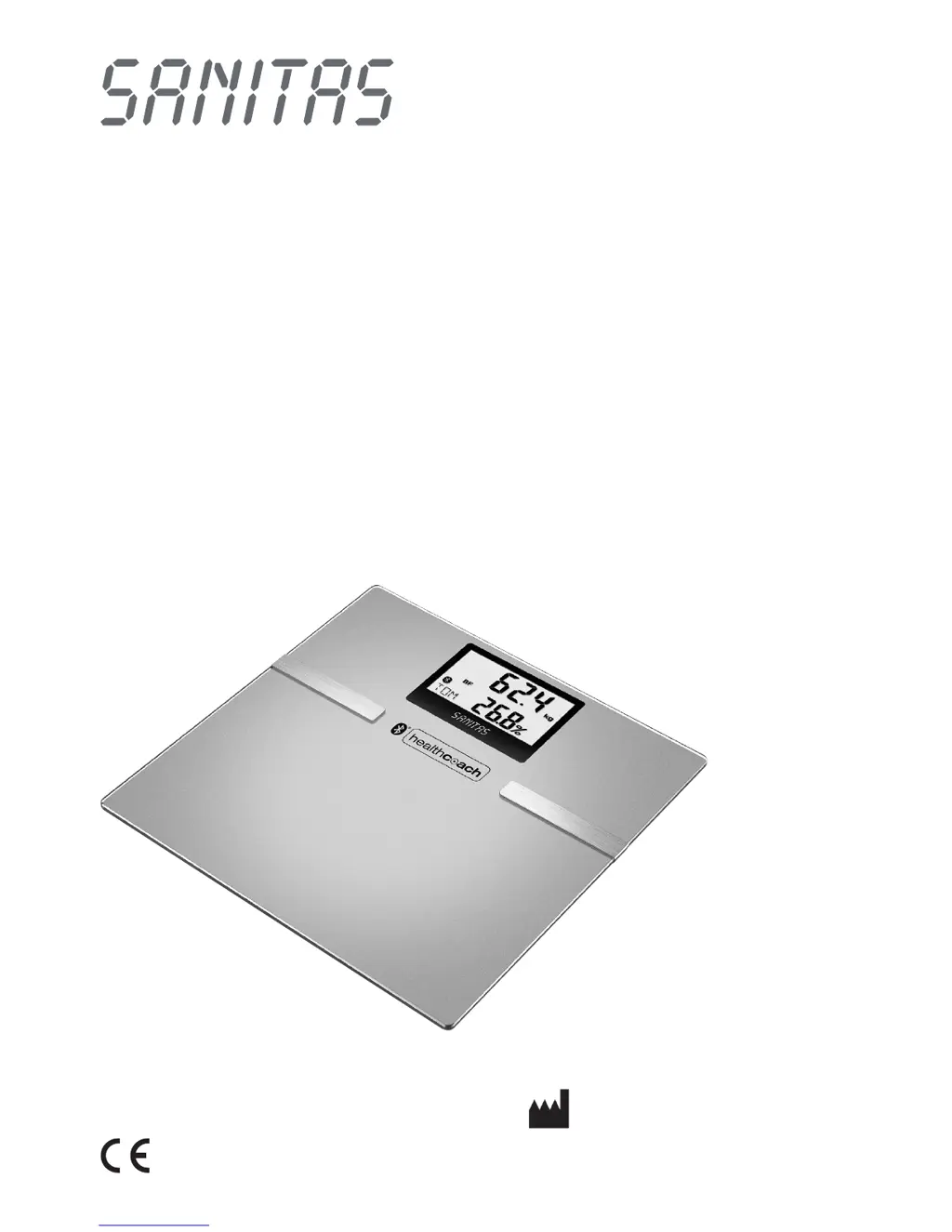
Sanitas SBF 70 - User Manual

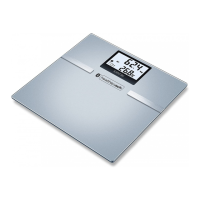
Sanitas SBF 70
52 pages
Go to English
Print Icon
To Next Page IconTo Next Page
Loading...
D
Diagnosewaage
Gebrauchsanweisung .....................2 – 11
G
Diagnostic scale
Instruction for Use ........................12 – 20
F
Pèse-personne impédancemétre
Mode d’emploi ..............................21 – 30
I
Bilancia diagnostica
Istruzioni per l’uso ......................... 31 – 39
r
Диагностические весы
Инструкция по применению .......40 – 50
SBF 70
Service-Adresse:
Hans Dinslage GmbH, Riedlinger Str. 28
88524 Uttenweiler, GERMANY
Tel.: +49 (0) 73 74 - 91 57 66
E-mail: service@sanitas-online.de

Table of Contents

Other manuals for Sanitas SBF 70

Questions and Answers

  • A
    Alec MorrisAug 14, 2025
    How to fix incorrect weight on Sanitas SBF 70?
    • S
      Steven ScottAug 14, 2025
      If your Sanitas Scales display an incorrect weight or no weight at all, ensure they are placed on a flat, stable surface. You can attach the additional feet designed for carpet to improve stability.
  • L
    Lawrence PerezAug 17, 2025
    What to do if Sanitas SBF 70 show incorrect weight?
    • J
      Jennifer FitzgeraldAug 17, 2025
      If your Sanitas Scales show an incorrect weight or no weight, it might be due to movement during measurement. Try to stand as still as possible while the scale is taking a reading.
  • J
    Jared EdwardsAug 20, 2025
    Why Sanitas SBF 70 Bluetooth is not connecting?
    • M
      Michael VangAug 20, 2025
      If your Sanitas Scales are not connecting via Bluetooth (the symbol is missing), the batteries may be empty. Try replacing the batteries to restore the connection.
  • A
    Amber RushAug 25, 2025
    What to do if Sanitas SBF 70 Bluetooth is not connecting and memory is full?
    • A
      Alex DunlapAug 25, 2025
      If your Sanitas Scales are not connecting via Bluetooth (the symbol is missing), and the user memory is full, open the app. The data should transfer automatically, which may take up to one minute.
  • B
    Barbara TrujilloAug 27, 2025
    Why is Bluetooth not working on my Sanitas Scales?
    • V
      vargasjenniferAug 27, 2025
      If your Sanitas Scales are not connecting via Bluetooth (the symbol is missing), the device might be out of range. The minimum range in a free field is approximately 25 meters. Walls and ceilings can reduce this range. Other radio waves may interfere with the transmission, so avoid placing the scale near devices such as WLAN routers, microwaves, or induction hobs.
  • M
    Megan HarrisAug 30, 2025
    How to reset zero setting on Sanitas SBF 70?
    • B
      Briana HicksAug 30, 2025
      If your Sanitas Scales display an incorrect zero setting, wait until the scale switches itself off. Then, activate the scale and wait for “0.0 kg” to appear before repeating the measurement.
  • M
    Madison HardinSep 3, 2025
    Why Sanitas SBF 70 show wrong fat percentage?
    • K
      Kathleen BellSep 3, 2025
      If your Sanitas Scales show a fat percentage outside the measurable range (less than 3% or greater than 65%), repeat the measurement barefoot. If necessary, slightly moisten the soles of your feet.
  • P
    Paula ReyesSep 6, 2025
    What to do if Sanitas Scales show unknown measurement?
    • A
      Arthur TannerSep 6, 2025
      If your Sanitas Scales display an unknown measurement because it is outside the user assignment limit or a unique assignment is not possible, assign the unknown measurement in the app or repeat the user assignment.
  • K
    Kathleen JacksonSep 9, 2025
    What happens if Sanitas Scales exceed load capacity?
    • J
      Jesse BrooksSep 9, 2025
      If the maximum load-bearing capacity of 180 kg was exceeded on your Sanitas Scales, ensure that the load does not exceed 180 kg.

Summary

Safety, Symbols, and Handling

Safety Precautions & Battery Handling

Provides detailed safety advice, including warnings for specific groups, and guidelines for battery replacement and disposal.

Device Information and Usage

Measuring Principle and Limitations

Explains the BIA principle, offers tips for consistent measurements, and discusses factors affecting results and user limitations.

Initial Scale and App Setup

App Integration and User Data

Details activating Bluetooth, installing the app, and entering essential user parameters for personalized measurements.

Taking Measurements

Weighing and Diagnostic Measurement

Instructs on stepping onto the scale barefoot for diagnostics, noting skin contact and sock usage.

Weight-Only Measurement

Guides on stepping onto the scale with shoes for weight-only measurement, noting display indicators.

Evaluating Measurement Results

Metabolic Rates and Trends

Disposal and Troubleshooting

Problem Solving Guide

Lists common display errors, their causes, and remedies for troubleshooting scale issues.

Sanitas SBF 70 Specifications

General IconGeneral
TypeElectronic personal scale
ShapeSquare
Accuracy100 g
Product colorSilver
Auto power offYes
Units of measurementkg, lb, st
Maximum weight capacity180 kg
Bluetooth version4.0
Battery typeAAA
Battery voltage1.5 V
Number of batteries supported3
Quantity per pack1 pc(s)
Weight and Dimensions IconWeight and Dimensions
Width300 mm
Height23 mm
Weight1650 g

Related product manuals