05
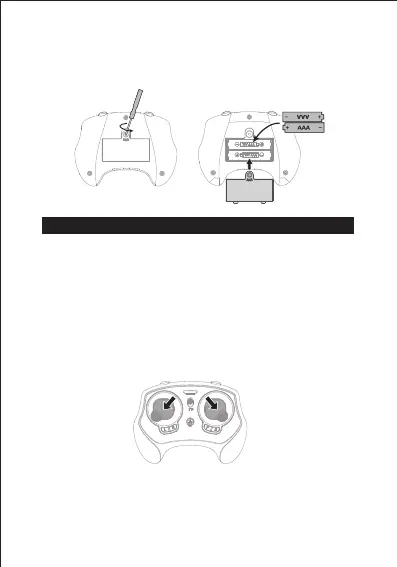
Install The Remote Control Battery
Quick Start
Open the remote control battery cover, insert 2 AAA batteries(not
included).
Frequency Matching
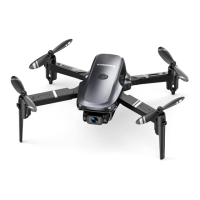
1. Turn on drone, four lights on it will flash. Then place it on a
horizontal surface.
2. Turn on remote control, it will pair with drone automatically. It
indicates the linking is successful once it beep triple time. At
this time, all lights on remote control and drone will turn solid.
Calibration
Push the two control sticks downwards outward 45° together.
Tips:
1. During calibration, the remote control beeps, the drone indicators
flashes quickly, and the calibration complete indicator light is
always on.
2. When the drone crashes, please recalibrate it.


 To Next Page