Unoicial Sansui F50 User Manual
Display E-books
Power on the unit. Briey press the Video button, which activates the LCD screen. Insert a
USB ash drive or Micro SD (TF) card with pre-stored TXT format e-books into the
appropriate slot. Also supported are JPG, JPEG, GIF, BMP and PNG image formats.
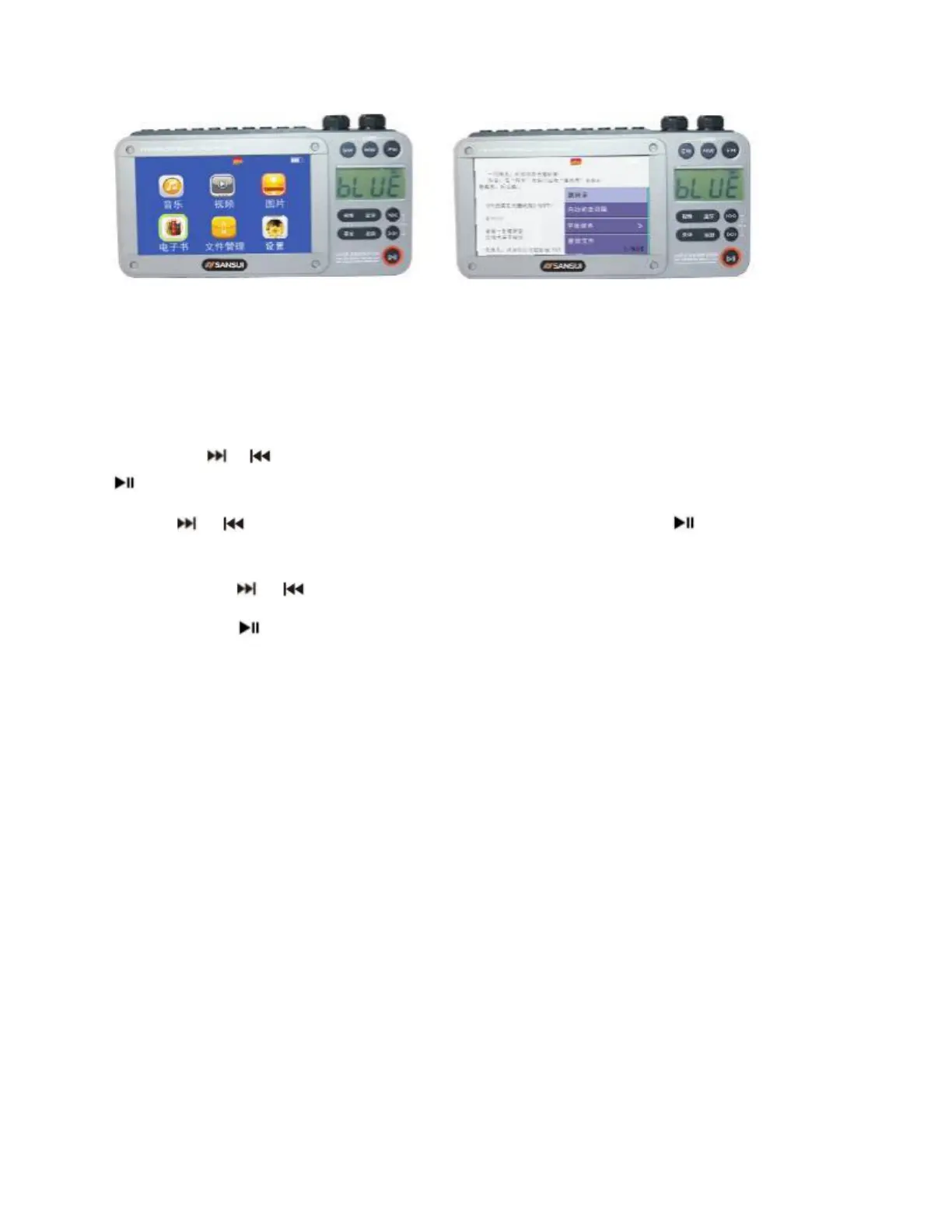
Short press or Button to select the “E-BOOKS” icon shown on the menu and press the
button to select.
Use the or button to scroll through the les, and short press the Button to start
display of the selected content.
Short press the or Button for page turning.
Short press the Button to enter automatic ipping reading.
Use the Menu Button to set up the automatic reading interval, quickly turn pages, switch
fonts and change backgrounds.



 To Next Page